
Choose your equipment
Buying a Smart Lock? Measure the Door Before Choosing the App
A lock that fits your phone but not your door is an expensive detour. Start with the deadbolt opening, then choose how the household will enter.
Read the guide →Hubs, locks, lights and everyday devices: compare the features that change your purchase, then check the exact model for your home.
100 guides
A lock that fits your phone but not your door is an expensive detour. Start with the deadbolt opening, then choose how the household will enter.
Read the guide →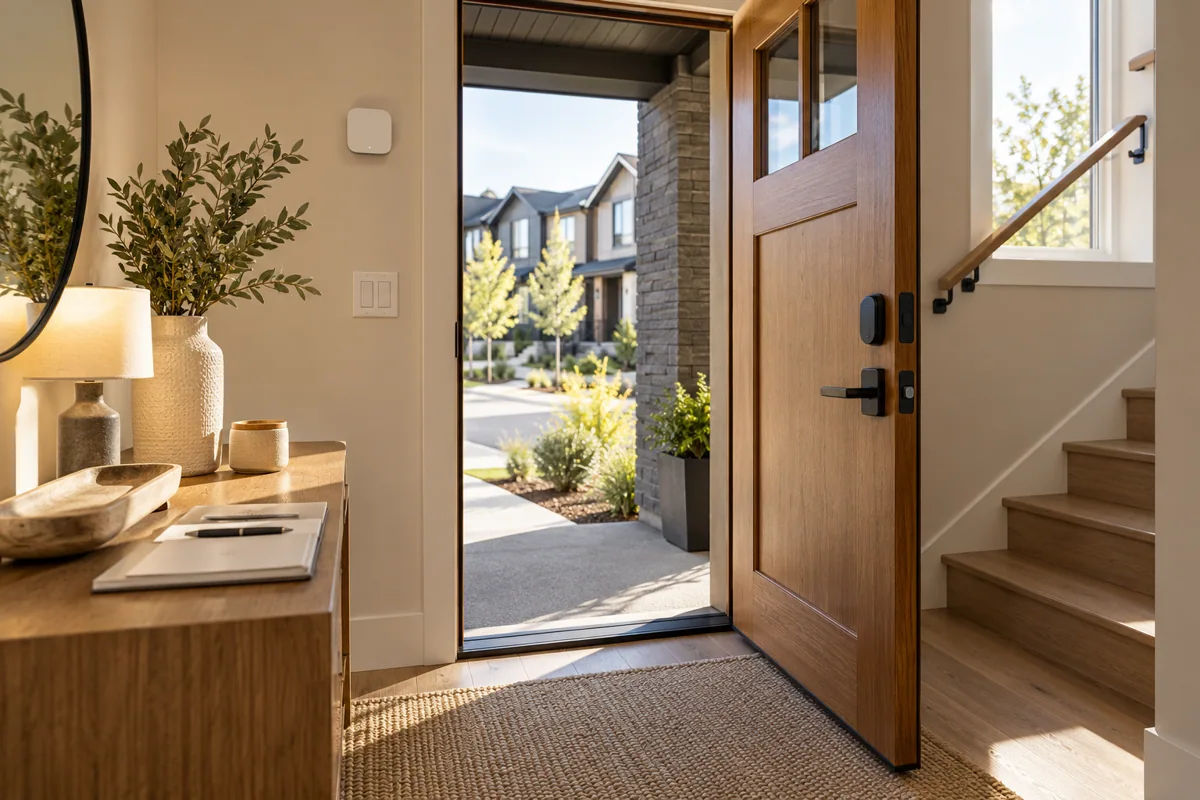
A full replacement gives you a coordinated entry set; an interior retrofit can preserve a door appearance you already like. The existing lock mechanism decides whether retrofit is sensible.
Read the guide →Home Key is a useful shortcut when the family already uses compatible Apple devices. It should sit beside a workable guest-entry plan, rather than become the only reason to buy.
Read the guide →If several people need occasional access, compare credential management before comparing finishes. Adding a visitor should be straightforward; removing that access should be just as clear.
Read the guide →Compare the whole communication path, not the number of boxes. A direct Wi-Fi lock and a hub-based setup can both suit a home, depending on coverage and the automations you want.
Read the guide →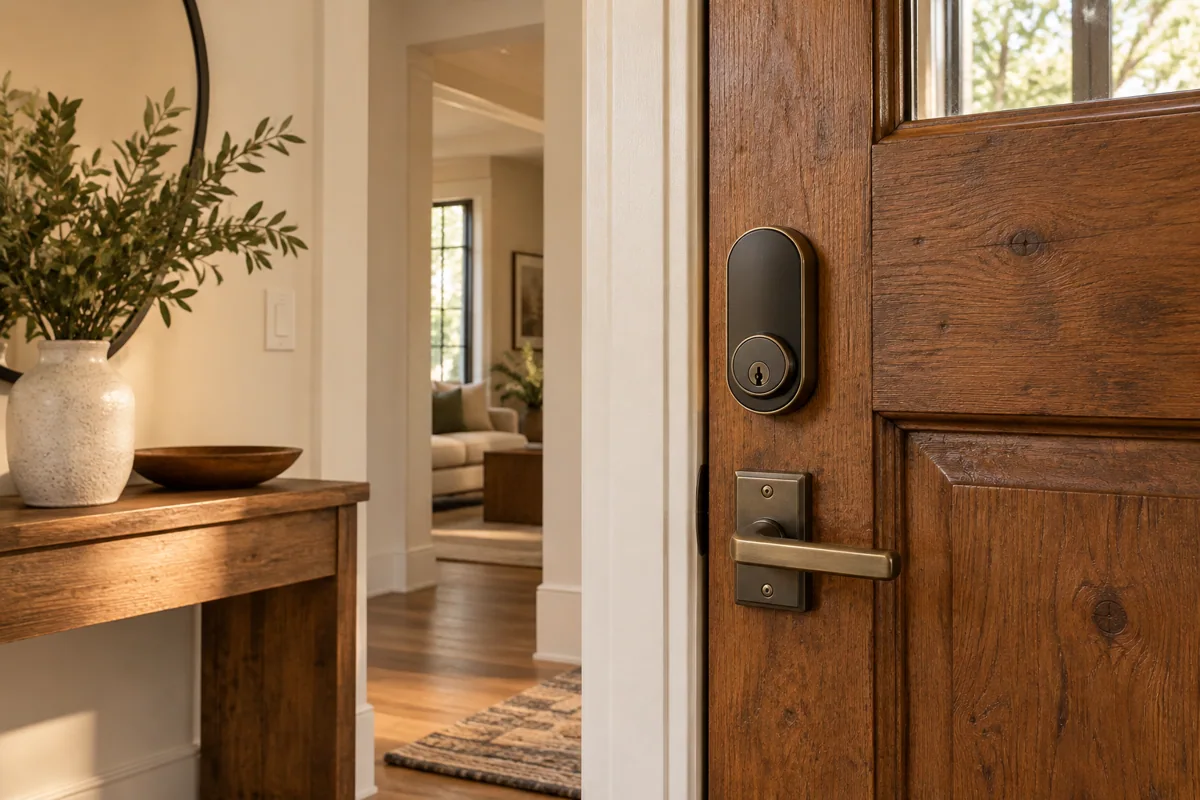
Fingerprint entry is attractive because it removes one small daily task. The better purchase also leaves every resident comfortable with an alternative when a finger cannot be read.
Read the guide →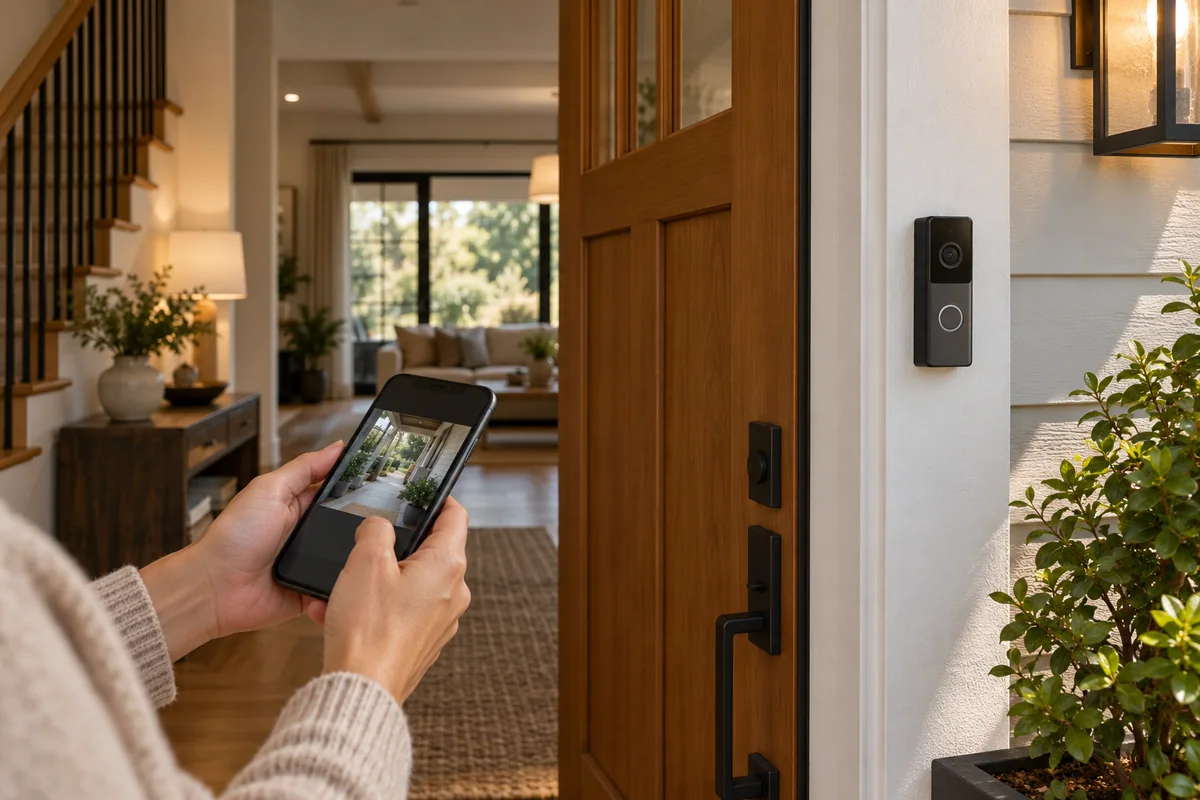
A lock controls entry; a video doorbell helps you see and speak to someone outside. If your budget starts with one, choose the problem that interrupts your day most often.
Read the guide →For a shared door, a visible keypad can make occasional access easier to explain. Phone-based entry works best when every regular user is willing and able to manage the required setup.
Read the guide →Automatic locking should match how your door actually closes. Compare a lock’s own closing detection with a separate door-contact requirement before choosing the final entrance package.
Read the guide →Battery upkeep is part of owning a smart lock. Compare the replacement procedure and backup entry as carefully as the finish, especially for a door you use only occasionally.
Read the guide →Start with the entry methods your household will use every week. Extra features earn their place when they replace a real inconvenience, rather than simply lengthen the specification sheet.
Read the guide →A retrofit quotation becomes useful when it is based on your actual cylinder and door, not a generic front-door photograph. Show the moving parts and the available inside space.
Read the guide →A separate keypad can make a retrofit lock easier for people who do not want phone-only entry. Buy it as a matched accessory, with the mounting position decided in advance.
Read the guide →A battery model can simplify placement; a suitable wired model can reduce routine charging. Choose around the existing power and recording brief rather than treating either approach as universally better.
Read the guide →A PoE doorbell is appealing when you can bring a suitable Ethernet run to the entrance. The purchase should include network power and a recording plan, not just the doorbell body.
Read the guide →If the goal is keeping lights comfortable while someone sits still, begin with presence sensing. Buy a camera when viewing or recorded evidence is genuinely part of the requirement.
Read the guide →A camera covering the whole yard is not necessarily the best camera for a doorway. Choose the scene in which a person or event must be recognizable, then compare lens options.
Read the guide →A broad overview and a close identification view solve different problems. Compare camera positions on a driveway sketch before deciding that a wider image can replace every additional camera.
Read the guide →A memory card can suit a modest single-camera brief. A compatible recorder becomes more attractive when several viewpoints and a central review routine matter to the household or property manager.
Read the guide →Choose the connection that is practical at the final camera position. PoE is compelling when cabling is available; Wi-Fi can suit a retrofit when power and coverage are already dependable.
Read the guide →
Choose a hub from a device list, not from its appearance. A mixed system needs a different discussion from a few compatible sensors in one apartment.
Read the guide →
Home Assistant Green is a dedicated starting point for running Home Assistant. Your intended Zigbee or Thread devices still determine the additional radio hardware and setup work.
Read the guide →
The better sensor is often the one that fits a supported network you already own. Treat a protocol change as a system decision, not an automatic upgrade.
Read the guide →Both approaches can belong in a well-planned home. The important question is whether your chosen platform exposes the functions you need from that exact device and connection path.
Read the guide →Choose an automation platform around your equipment and maintenance preference. A longer integration list is less useful than a system that someone can confidently support after installation.
Read the guide →Direct network devices can make a small purchase feel simple. Before repeating that choice across the house, count setup, coverage and everyday control alongside the hardware price.
Read the guide →Choose the hub for the first useful phase and a believable next phase. Future-proofing works best as a specific expansion list, rather than paying for every available technology today.
Read the guide →Local control is most valuable when it protects the actions you depend on. Buy against an offline action list, rather than treating the word local as a promise about every feature.
Read the guide →A shared control screen is useful when it simplifies real daily actions. Confirm the few controls your family needs before assuming that a shared platform replaces every manufacturer app.
Read the guide →A replacement hub is a project change, not just a new box. Choose a migration plan that preserves access, records what must be paired again and leaves a workable recovery path.
Read the guide →
Choose a smart bulb when changing the lamp itself is the simple improvement. Choose a suitable wall control when several existing lights should continue to feel like one familiar circuit.
Read the guide →
A no-neutral product can be useful in an older switch box, but the wiring is only half the decision. The connected lamp type and load must suit the exact device too.
Read the guide →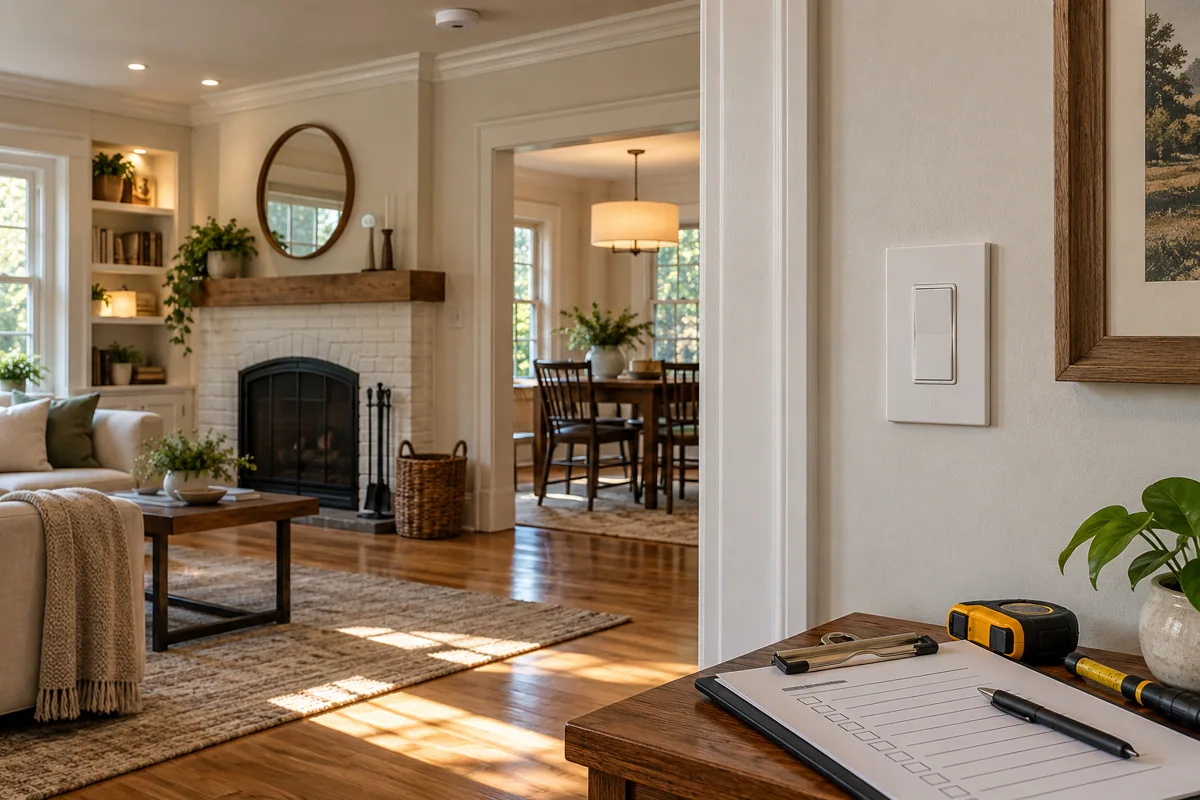
For a hallway or staircase, buy the multi-location arrangement rather than one isolated switch. The correct companion or approved wiring method depends on the exact control family.
Read the guide →
A dimmer cannot make every LED behave identically. Compare the exact lamp-and-control combination, especially if a quiet, low evening level is the reason you are upgrading.
Read the guide →
A starter kit is convenient when its included parts match your first room. A compatible standalone dimmer can make more sense when the necessary hub and controls are already in place.
Read the guide →
A compatible wireless remote can add convenient control without creating another wired switch location. Buy it for a real reach problem, such as a bedside or the far end of a room.
Read the guide →
A bridge becomes attractive when the purchase is becoming a lighting system rather than a single lamp. Compare your planned automations and accessories before deciding how much infrastructure to buy.
Read the guide →If your main wish is a comfortable everyday room, useful white-light behavior may matter more than a color palette. Color becomes worthwhile when you have a place and reason to enjoy it.
Read the guide →A light strip can disappear into joinery; a light bar is easier to position as a visible accessory. Choose the installation detail before choosing a lighting effect.
Read the guide →An accent light can make a room feel calmer without becoming a useful reading lamp. Decide whether you are lighting a task or a surface before selecting the shape.
Read the guide →A television lighting effect is a signal-path purchase as well as a lamp purchase. Start with the devices that supply your picture and sound, then specify the compatible lighting arrangement.
Read the guide →Do not assume the television’s built-in streaming app travels through an external HDMI box. Explain how you actually watch television before choosing a synchronization product.
Read the guide →If you already like a lamp, a suitable smart plug may add the switching you need. Choose a new accent light when its placement or lighting character is the improvement.
Read the guide →A replacement switch refreshes the visible control; a suitable relay can preserve existing hardware. The electrical enclosure and load determine which option is a realistic purchase.
Read the guide →A fan motor and a dimmable light are different electrical loads. Choose a control explicitly suitable for the intended load, even when two wall products look almost identical.
Read the guide →Decora Smart covers several product families. Select by the exact model and documented wiring requirements, then confirm the app and companion controls that belong to that generation.
Read the guide →Wi-Fi bulbs can make an easy first experiment. A room-by-room purchase needs a network and switching plan so the result stays convenient after the novelty of color control wears off.
Read the guide →An integrated sensor is tidy when the wall position can see the right activity. A separate sensor offers more placement freedom when the switch location is a poor viewpoint.
Read the guide →A well-placed button makes a useful action available without a phone or spoken command. Buy it for a specific routine that everyone should be able to use immediately.
Read the guide →A room may contain several independent lighting circuits, while one switch group can serve a larger area. Build the shopping list from the electrical and control layout rather than a room count alone.
Read the guide →
Choose monitoring when you want to learn something about the connected appliance. If the job is simply turning a lamp on a schedule, a suitable basic plug may meet the brief.
Read the guide →The Matter logo does not tell you which radio path a plug uses. Check the transport and controller requirements, then choose the option that fits the household’s existing network.
Read the guide →Outdoor use changes the buying decision: location, moisture exposure, cable routing and the exact product’s installation limits all matter. An indoor plug under a makeshift cover is not an equivalent configuration.
Read the guide →A smart strip can organize several devices in one place; individual plugs give more freedom across sockets. Decide which equipment should switch together and which must keep its power.
Read the guide →A permanently installed smart outlet can look cleaner in a planned renovation. A plug-in adapter is easier to move and replace; the right choice depends on access and how permanent the room layout is.
Read the guide →Before automating a lamp or appliance, ask what both the plug and the connected device do after power returns. A useful schedule does not replace a predictable restart routine.
Read the guide →Select a smart plug for the type of load as well as its rating. A heater, motor and ordinary lamp can make very different demands despite a similar headline power figure.
Read the guide →Buy an energy-monitoring plug if its readings will help you make a decision about a connected device. Treat the result as appliance-level information, rather than a promise about the whole utility bill.
Read the guide →Choose a relay from the circuit it must interface with, not from a similar product name. Dry-contact switching and power measurement are separate requirements that need an electrician’s model-level assessment.
Read the guide →Choose the measurement scope before choosing hardware. Individual plugs answer questions about movable appliances; a suitable professionally installed meter can address a different part of the electrical system.
Read the guide →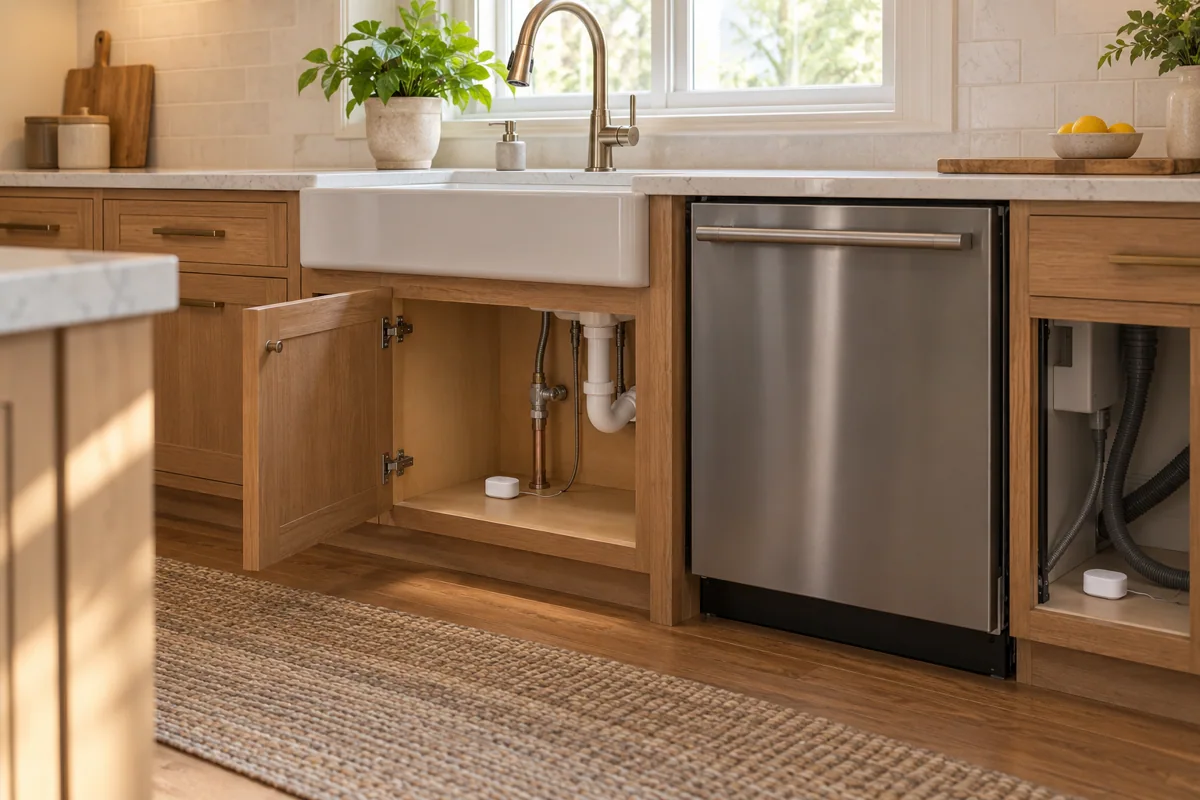
Choose sensing for the activity, not simply for the room name. A corridor pass-through and quiet reading on a sofa place different demands on an automatic lighting system.
Read the guide →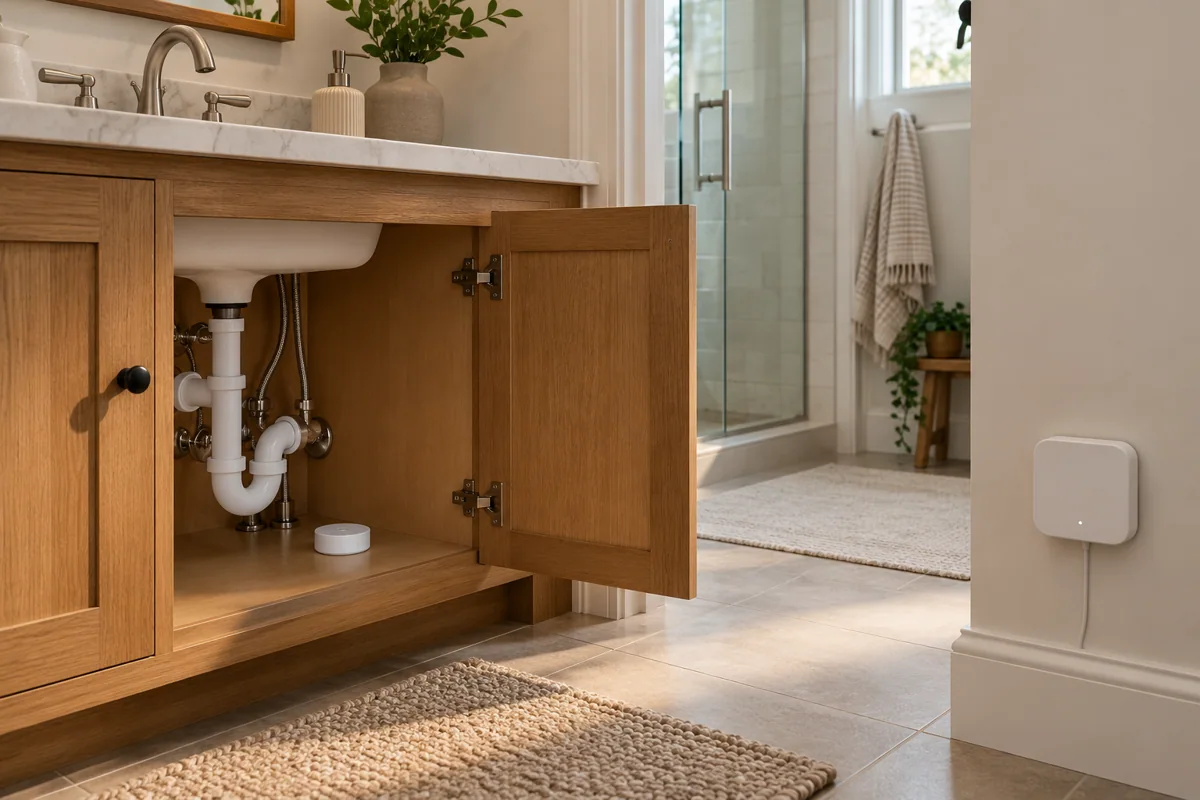
Zone-based sensing is attractive in an open room with distinct activities. Buy it with a room-layout and commissioning plan rather than expecting a product’s maximum zone count to design the space for you.
Read the guide →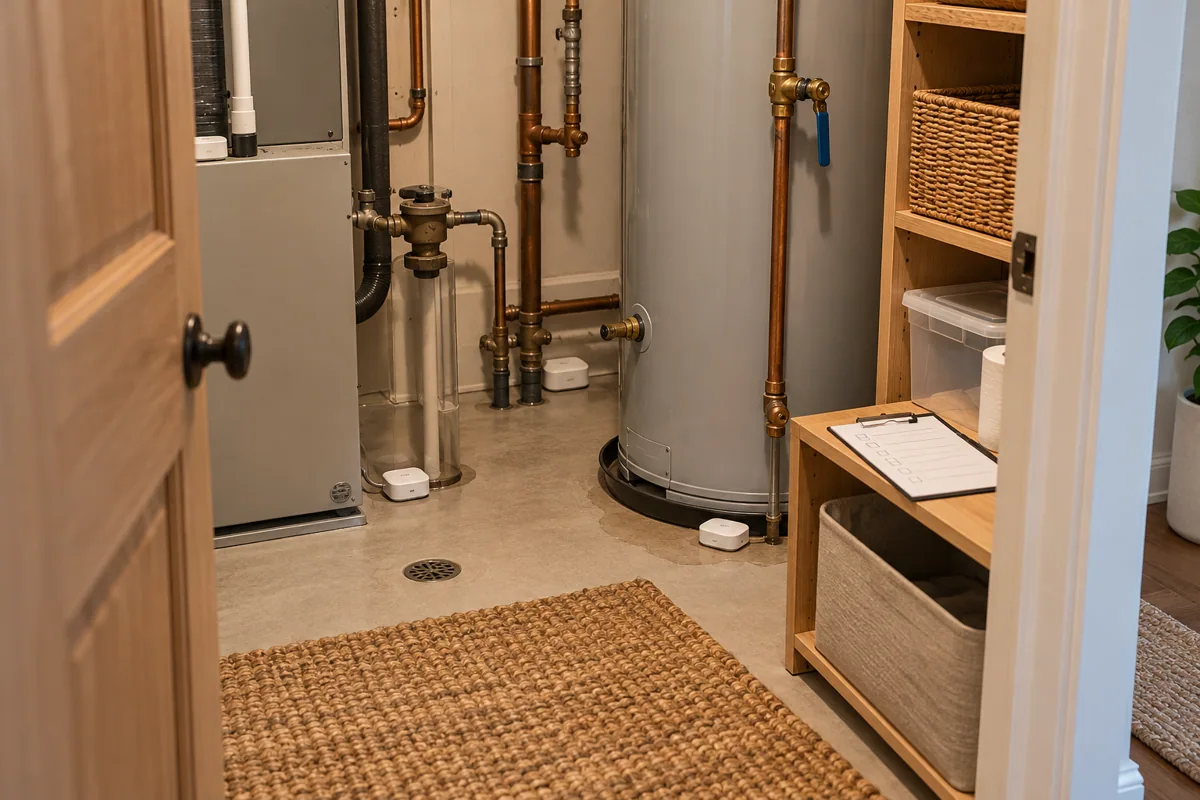
P2 is a Matter-over-Thread contact sensor. The useful first purchase check is whether your intended platform already has the required Matter controller and Thread border-router functions.
Read the guide →Expansion is a good time to review the network, but it is not a reason to discard working sensors automatically. Compare the next opening and the platform you want to use.
Read the guide →A sensor tells you about water at its location; a supported shutoff arrangement can add a defined response. Start with the risk point and who can act when a notification arrives.
Read the guide →A point sensor and a detection cable cover water risk differently. Choose from the cabinet layout and service access, then compare the supporting system each option needs.
Read the guide →A valve controller must fit the existing valve and its surroundings. Send the handle, pipe and clearance details before treating a retrofit actuator as a ready-made universal shutoff solution.
Read the guide →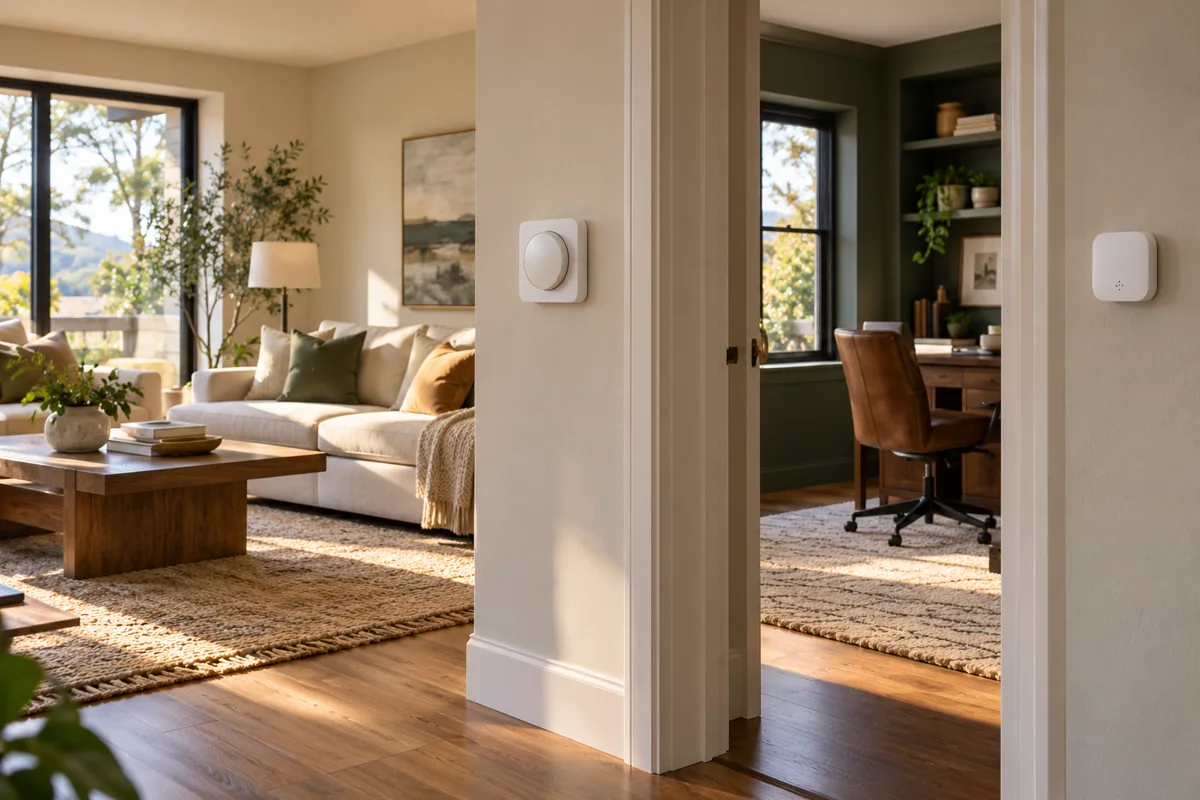
Choose a display when someone benefits from seeing the room reading without opening an app. A discreet sensor is useful when its main job is feeding a supported automation or monitoring routine.
Read the guide →A small wireless sensor is easy to overlook once installed. For a larger order, choose mounting and maintenance arrangements that let the household check each device without dismantling the room.
Read the guide →A physical scene control should reduce thought, not add another command language. Choose the control format around the people who will use it, including the least app-interested person in the house.
Read the guide →
A smart thermostat is worth shortlisting only after the heating and cooling equipment is identified. A familiar wall shape or a similar-looking cable does not establish compatibility.
Read the guide →If a room reading should influence a thermostat, start with a sensor that the exact thermostat supports. A standalone monitor is a different purchase when the goal is simply understanding comfort.
Read the guide →Start by confirming compatibility across the models you are considering. Then compare the specific comfort, sensor and interface features that will matter in your own home, rather than choosing by tier name alone.
Read the guide →
A missing common wire changes the installation discussion, but the answer depends on the whole HVAC wiring arrangement. Get the supported power solution identified before ordering the thermostat and accessories.
Read the guide →Before buying several room sensors, decide which locations will tell you something useful about comfort. A convenient shelf beside a sunny window may measure the shelf more than the experience you want to improve.
Read the guide →An infrared bridge and a wired thermostat control different equipment paths. Identify the appliance and its existing controls before choosing the accessory that promises a smarter comfort routine.
Read the guide →A visible room reading can make comfort discussions easier for the household. Choose the display for readability and placement, then separately confirm any automation or remote-monitoring connection you want.
Read the guide →A smart thermostat can make suitable control routines easier to manage. Your equipment, building and habits still determine results, so compare a realistic comfort plan rather than buying a promised saving percentage.
Read the guide →
Retrofit curtain products are shaped around the hardware they move on. Confirm the rod or rail arrangement and opening direction before choosing a motor version or deciding how many units to buy.
Read the guide →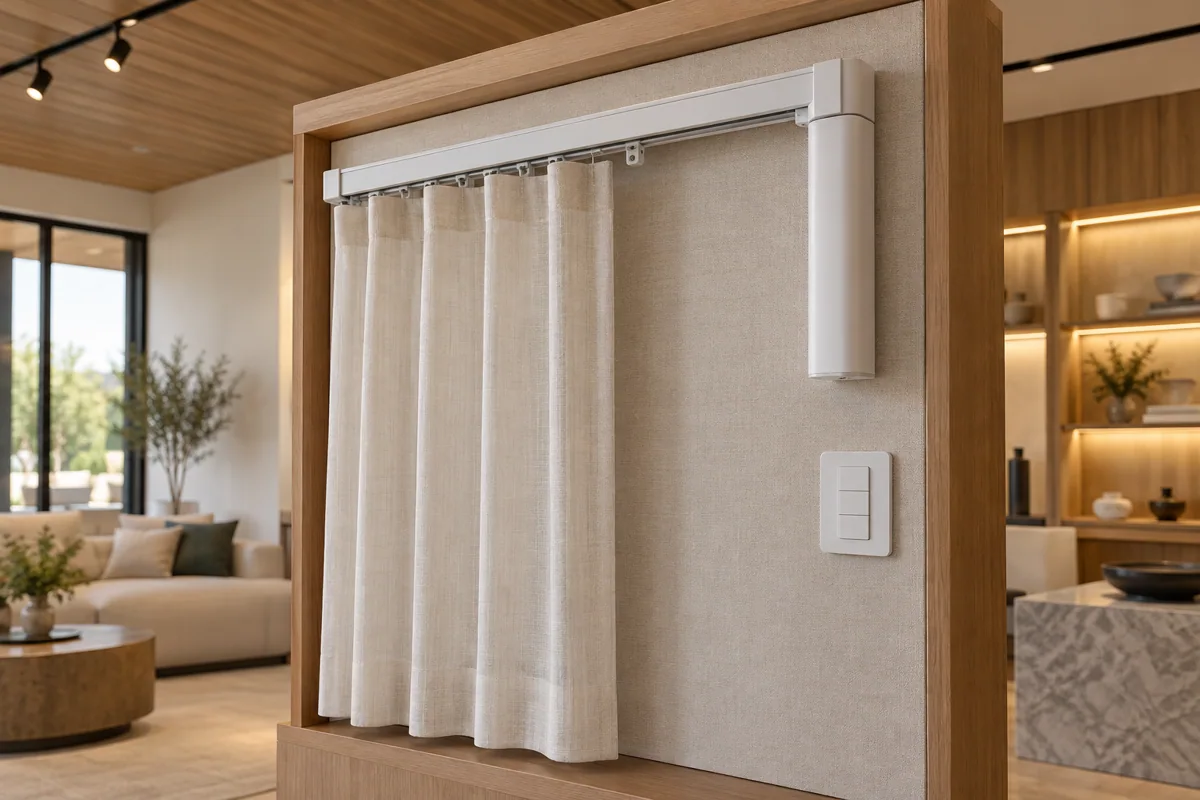
A curtain driver moves a curtain along its support; a tilt accessory changes the angle of suitable blind slats. Choose the action your existing window covering can actually perform.
Read the guide →
A retrofit roller-blind motor must suit the existing tube and mounting arrangement. Measure the internal hardware properly before buying a kit based only on the visible width of the blind.
Read the guide →Motor quantity follows the moving curtain panels and supported setup, not just the number of windows. Show the complete opening pattern before comparing a single-device price with a room quotation.
Read the guide →A rechargeable retrofit can avoid some new wiring; a suitable permanent supply may suit a planned renovation. Choose around access, finished appearance and the maintenance routine you are willing to keep.
Read the guide →Automatic shades feel complete when someone can change them without learning your app. Include a supported physical control and a clear manual fallback in the purchase plan.
Read the guide →If glare is the problem, full blackout may be more than you need. Choose a window-covering arrangement that can provide a useful working position while retaining the daylight you enjoy.
Read the guide →A motor works with the running hardware you already have. If the curtain catches or needs a sharp pull, assess the rail, rings and fabric arrangement before deciding which driver to buy.
Read the guide →
One speaker can suit casual listening across a room. A supported stereo pair becomes worth comparing when a defined seating position and musical separation matter more than minimum hardware count.
Read the guide →Choose a speaker for the space around it as well as the features on its page. A larger model earns its place when your listening use and available placement support the difference.
Read the guide →A soundbar offers a different installation path from an amplifier feeding existing speakers. Start with the equipment and cabling you intend to keep before comparing new audio boxes.
Read the guide →A turntable-to-speaker plan needs more detail than a Bluetooth logo. For a wired line-in arrangement, confirm the source output and the adapter path supported by the speaker.
Read the guide →Playing music around the home and matching dialogue to a television picture are different jobs. Tell the supplier which rooms need each experience before choosing a single audio package.
Read the guide →A wired network can be worth considering where Wi-Fi is inconsistent, but the speaker’s supported connection method still matters. Include the appropriate adapter and a tidy route back to the network.
Read the guide →Bluetooth is useful for an immediate source connection; a supported Wi-Fi setup can suit a more integrated home routine. Compare how the household actually starts and shares music before choosing.
Read the guide →The television connection is part of the soundbar purchase. Send the exact television model and port information so the proposed audio system can be matched to your intended sources and formats.
Read the guide →A new automation hub does not automatically improve Wi-Fi coverage or repair a poor network layout. Identify which connection is failing before choosing the next box for the home.
Read the guide →A PoE camera order needs a matching power-and-network plan. Count the intended devices and their documented requirements, then check the proposed switch or recorder rather than assuming spare sockets are sufficient.
Read the guide →For a Canadian or US project, buy the regional hardware appropriate to that installation. A matching product name from another market is not enough to establish that wireless devices belong together.
Read the guide →A product family can contain different hardware generations and software histories. Use the exact version and current requirements when buying Matter devices, especially when mixing existing stock with a new system.
Read the guide →Choose the first package around the inconvenience you want removed this month. A useful small system is a better starting point than a mixed basket of devices with no shared daily purpose.
Read the guide →A useful quote begins with a real project brief. Tell HomeTech where the equipment will be used, what you already own and the specific result you want to purchase.
Read the guide →