
 Builders & Developers
Recommended Solution
New-build single-family starter package
Approve one sample home's entry, light and environmental functions before issuing a unit schedule.
Explore solution →Explore solution architectures by industry, function and the way a property is used. Each recommendation includes installation considerations and a preliminary equipment plan.
Explore the equipment, control logic and installation questions behind four everyday scenes.
 SPACE & SYSTEM PLANNING
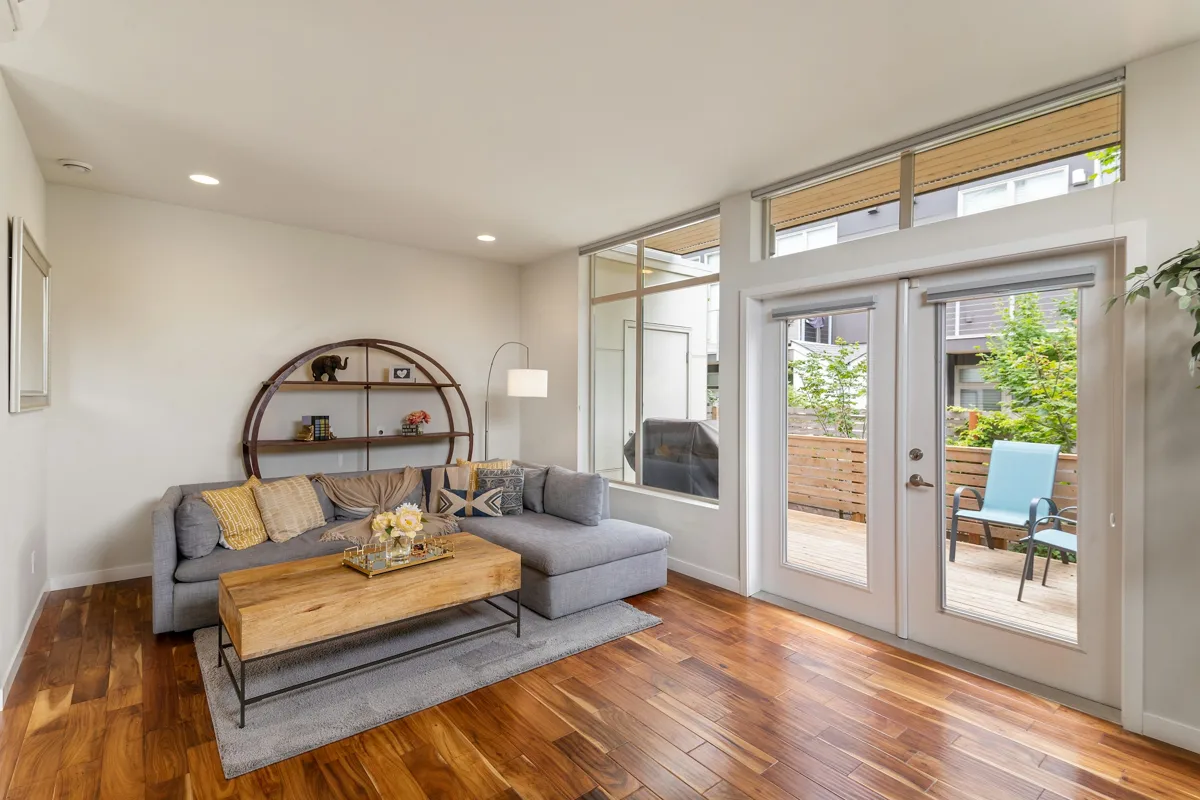
An entry event can start a pathway lighting scene. Keep the lock and a physical light control usable independently.
Confirm door handing, latch/backset, event support and offline behavior.
Design this for my project →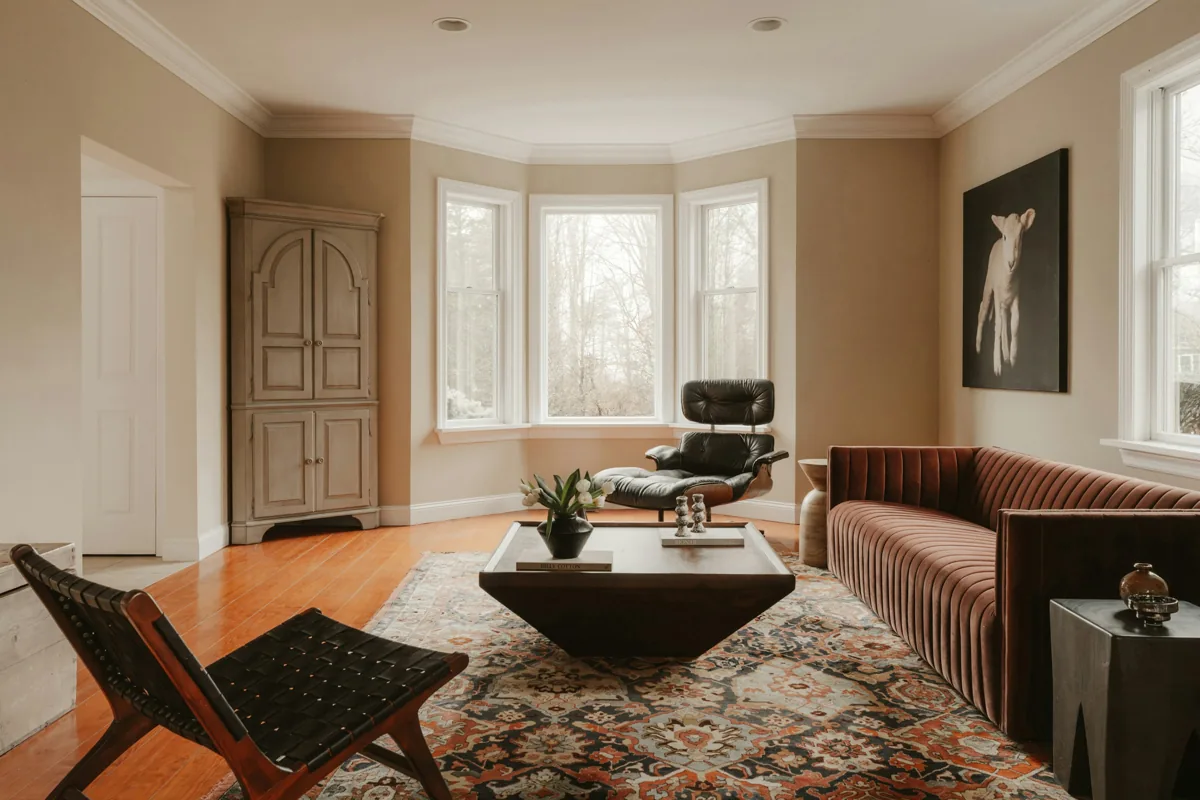 SPACE & SYSTEM PLANNING
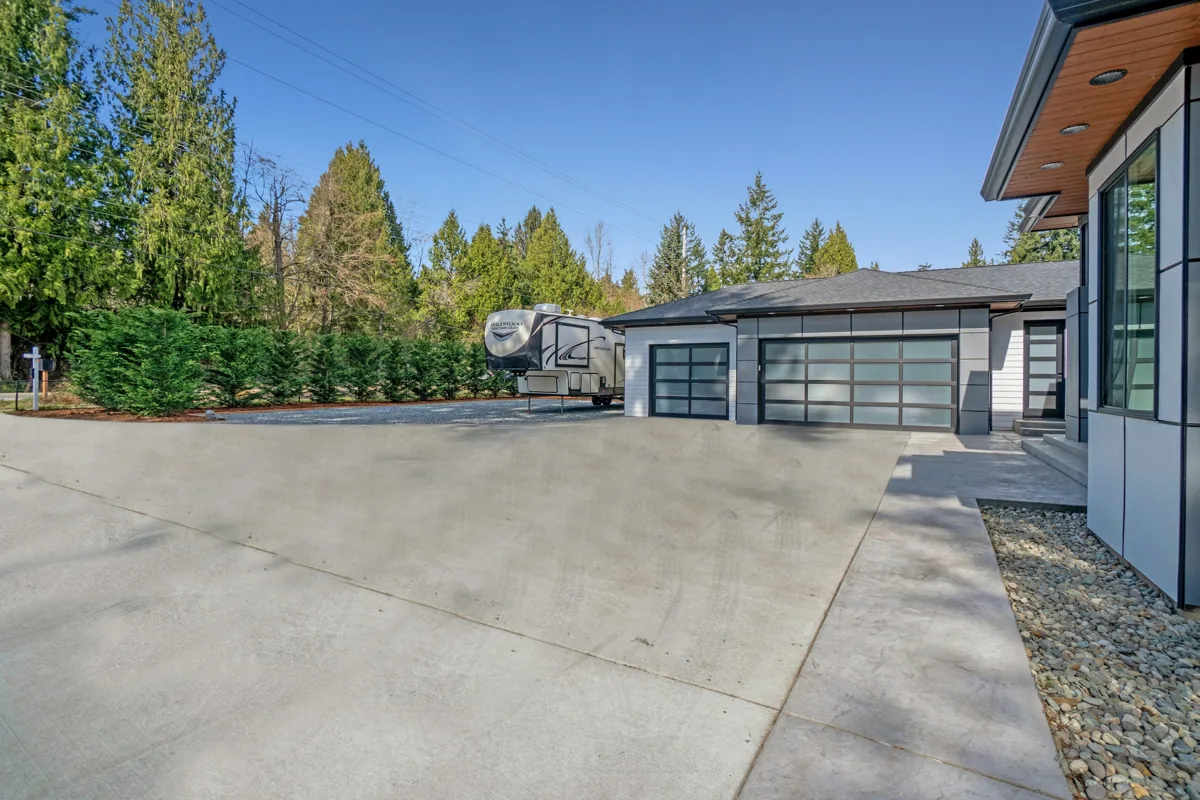
Plan lighting zones alongside motorized shades. A wall scene control makes the same routine accessible without a phone.
Check dimming load, neutral wiring, curtain rail dimensions and supported scene actions.
Design this for my project →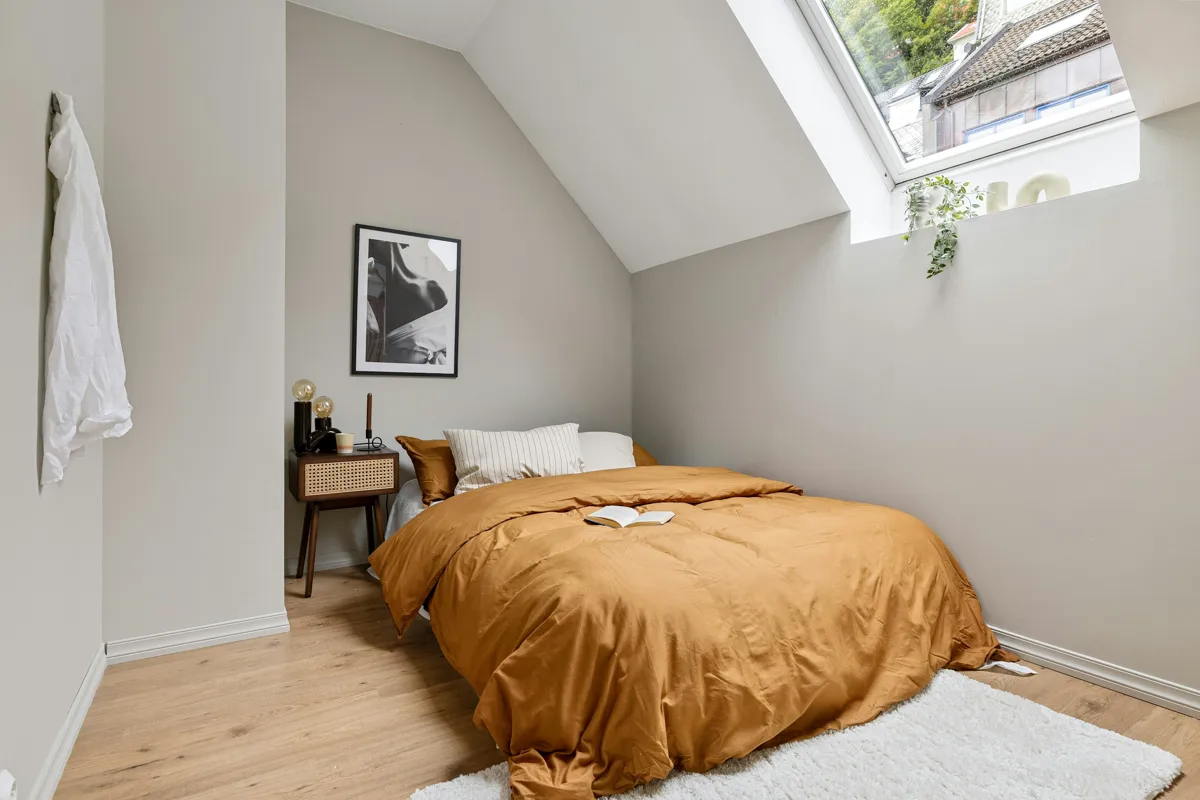 SPACE & SYSTEM PLANNING
Coordinate temperature feedback, compatible HVAC controls and simple bedtime lighting. Agree on manual overrides and equipment limits.
Confirm HVAC wiring, system type, control authority and shade installation space.
Design this for my project → SPACE & SYSTEM PLANNING
Place water sensors at risk points and route notifications to the responsible person. Any shutoff valve requires a separate plumbing and fail-safe design.
Confirm radio reach, sensor placement, battery access and who receives alerts.
Design this for my project →Equipment drawings show functional categories. Final models and automation behavior depend on the selected system.
100 solutions
Builders & DevelopersApprove one sample home's entry, light and environmental functions before issuing a unit schedule.
Explore solution →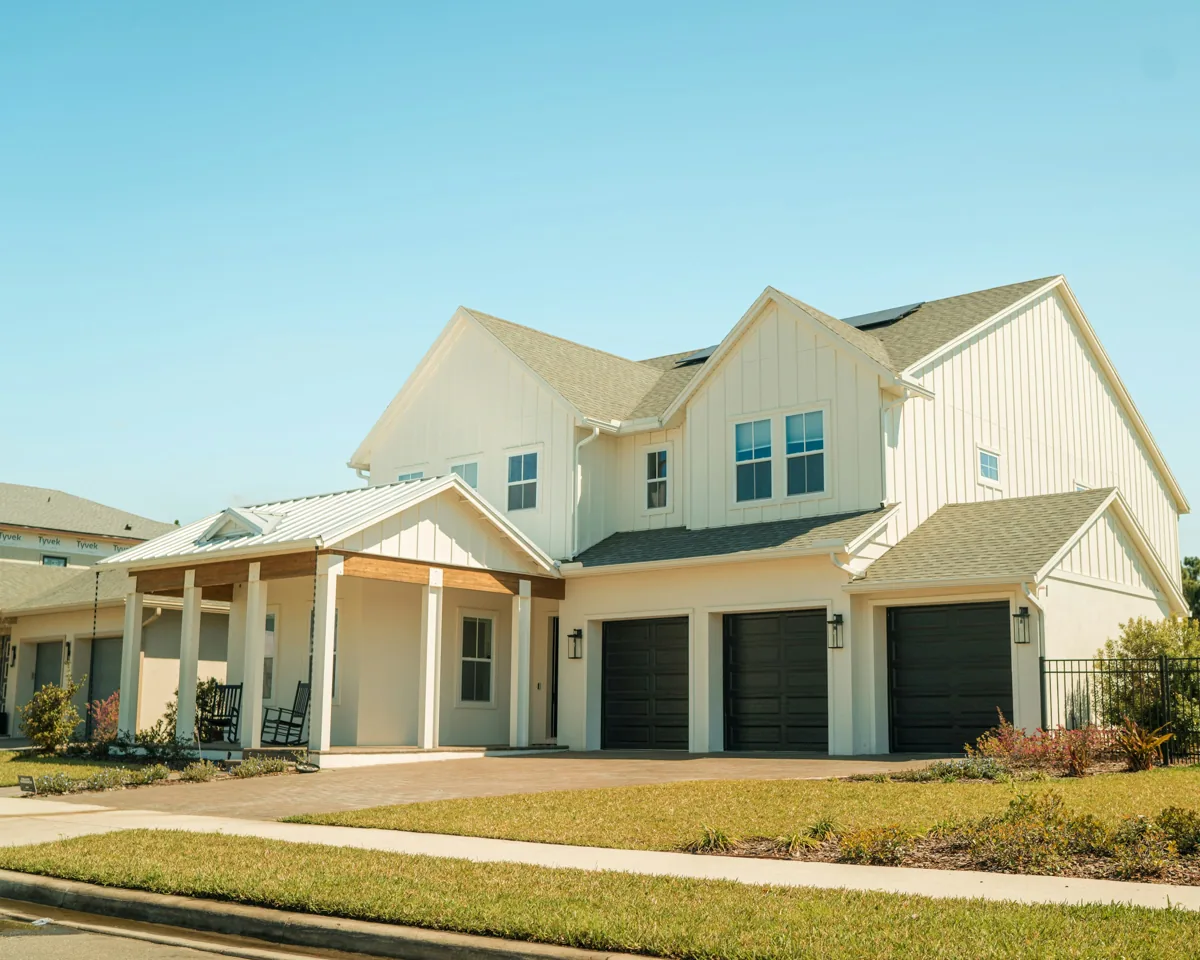 Builders & Developers
Separate door schedules and resident handover credentials for each address.
Explore solution → Builders & Developers
Staff can run and reset a documented tour without exposing owner credentials.
Explore solution →Builders & DevelopersProvide clearly named arrival, evening and all-off controls with manual operation retained.
Explore solution →Builders & DevelopersMap each exposed joint to a tested sensor and named response contact.
Explore solution → Builders & Developers
Create a per-unit owner and recovery matrix before commissioning.
Explore solution → Builders & Developers
Deliver coordinated device, cable and accessible-service positions on a drawing.
Explore solution →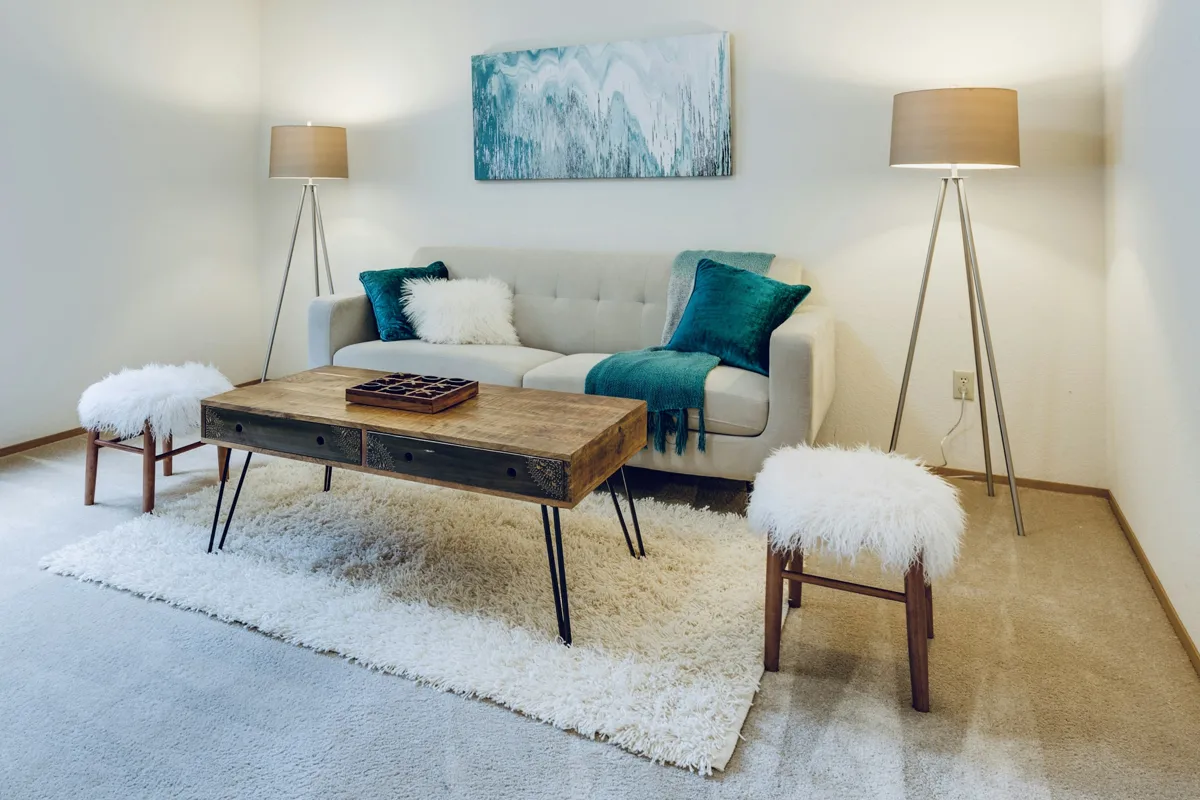 Builders & Developers
Each tier has an explicit delta of devices, wiring and acceptance tests.
Explore solution →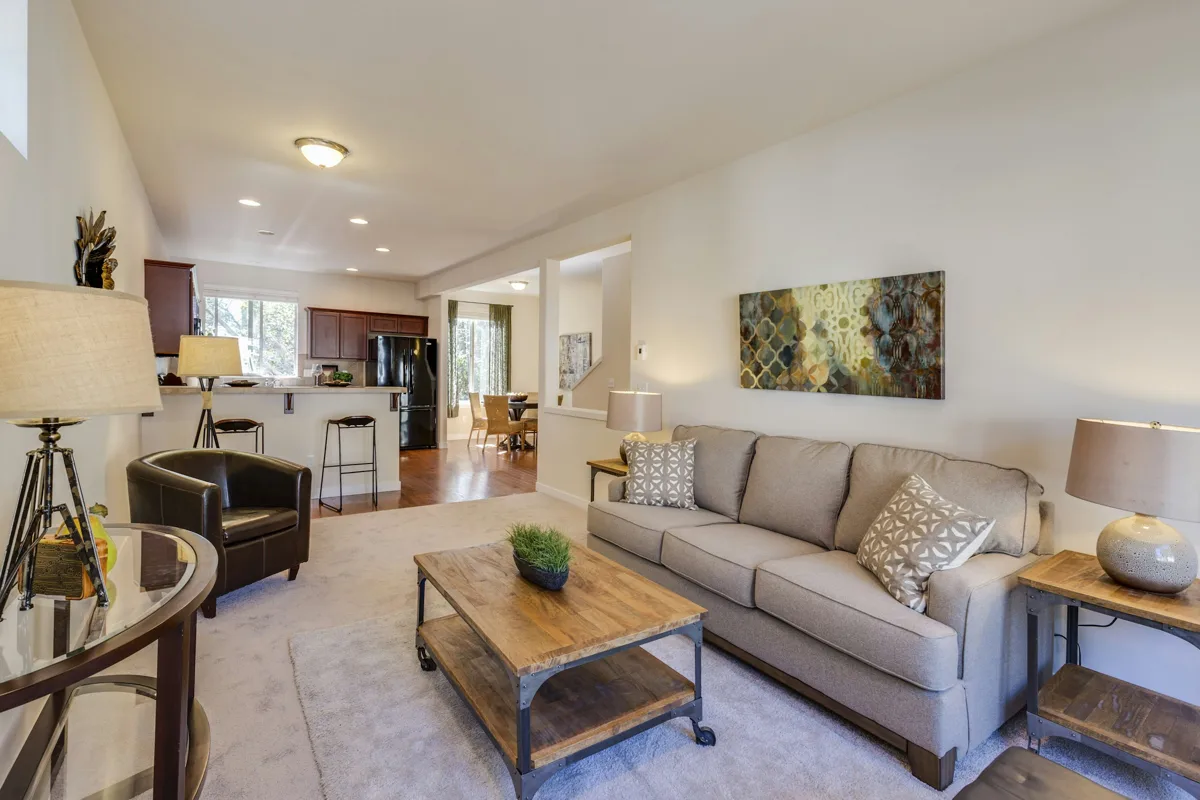 Builders & Developers
Require a signed device and account checklist for every delivered home.
Explore solution → Multifamily & Property Management
Define credential revocation and new-resident activation with the property owner.
Explore solution → Multifamily & Property Management
Send a risk-location alert to the resident and the authorized maintenance contact.
Explore solution → Multifamily & Property Management
Prove isolation with cross-unit access tests before scaling.
Explore solution → Multifamily & Property Management
Agree a bounded vacant-unit schedule with an authorized manager.
Explore solution → Multifamily & Property Management
Assign acknowledgement, escalation and incident closure to named people.
Explore solution → Multifamily & Property Management
Define the minimum visible status and who is allowed to view it.
Explore solution → Multifamily & Property Management
Maintain an approved substitution table and repeat the affected acceptance test.
Explore solution → Multifamily & Property Management
Make owner-approved removal, reset and reassignment a witnessed checklist.
Explore solution →Luxury Homes & VillasAgree a room-level arrival scene with an explicit cancel and manual override.
Explore solution →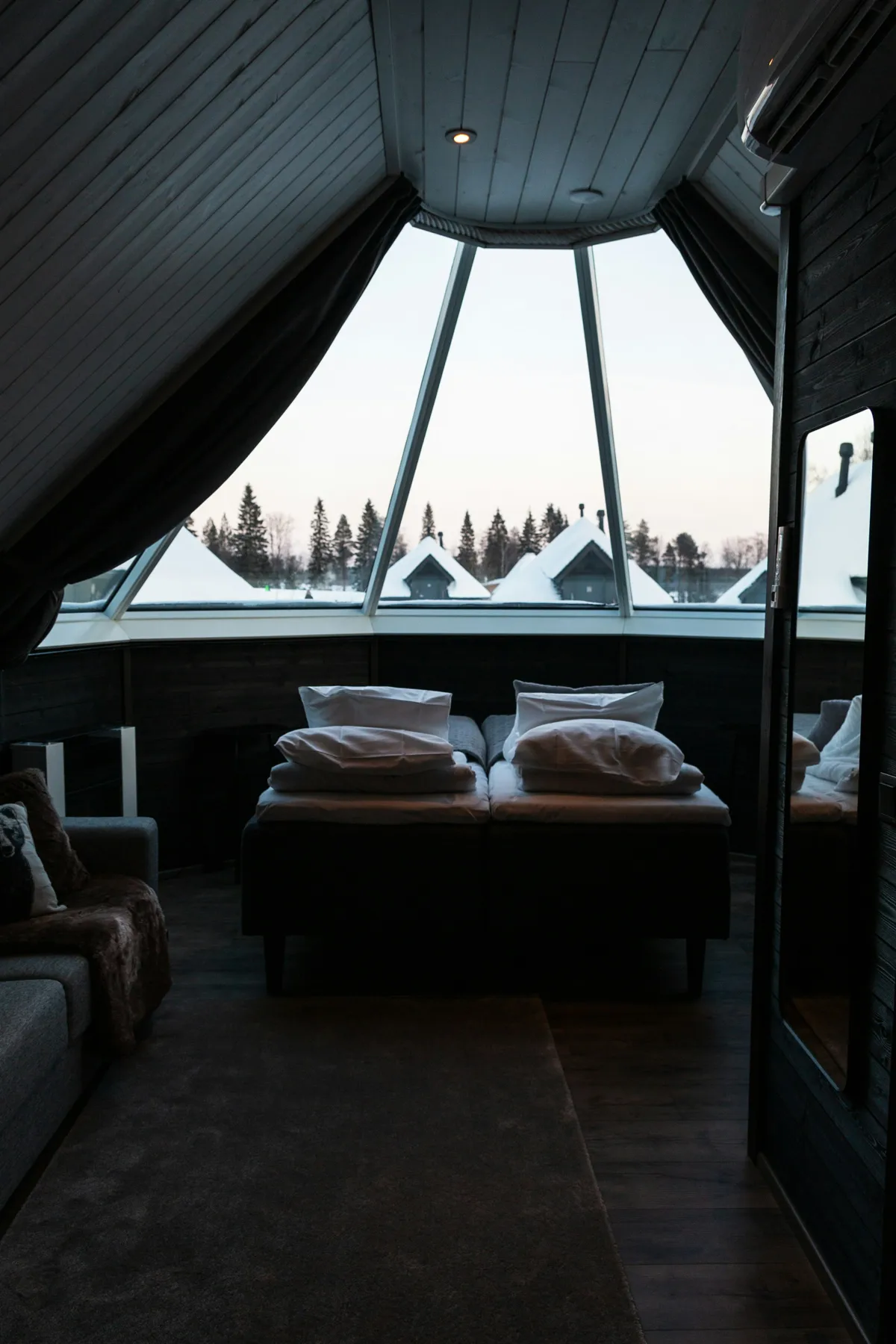 Luxury Homes & Villas
Provide floor-specific scenes and a predictable whole-house off action.
Explore solution →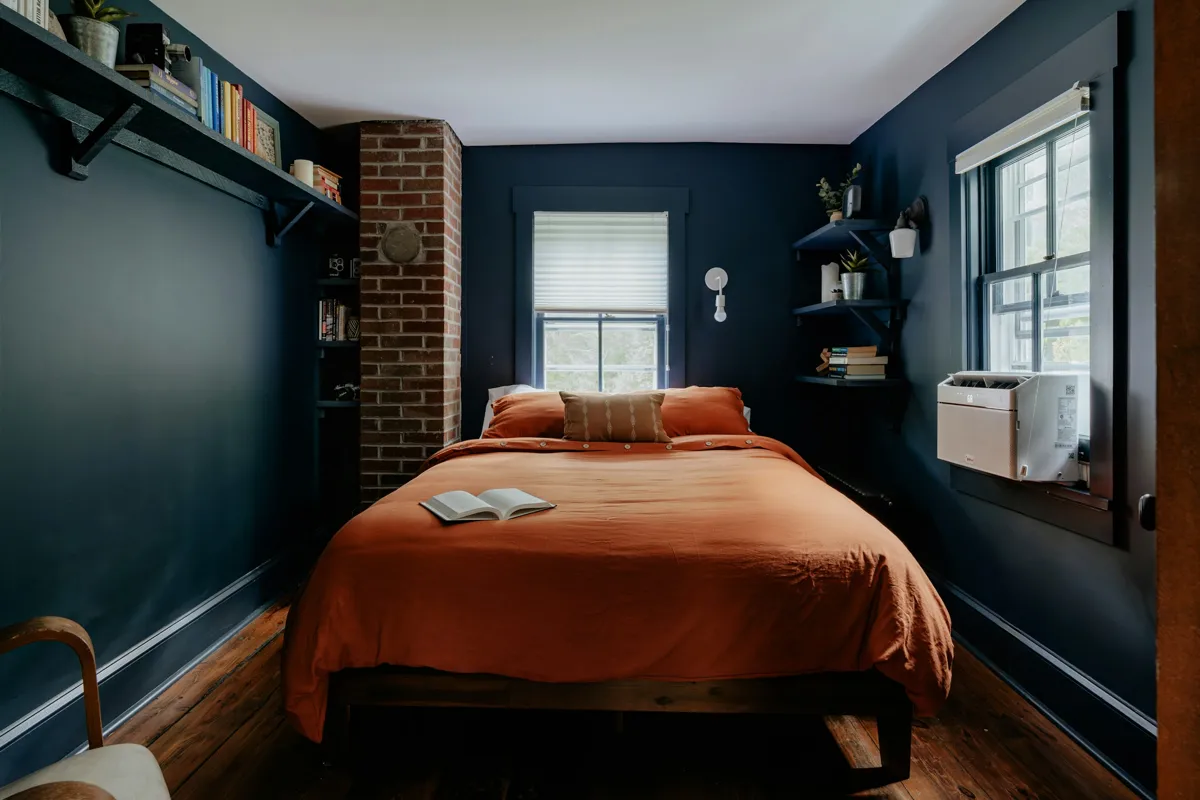 Luxury Homes & Villas
Define a verified equipment sequence with a safe stop and separate lighting scope.
Explore solution →Luxury Homes & VillasCommission per-window brightness or time scenes with a manual override.
Explore solution →Luxury Homes & VillasProvide user-selected reading and bedtime levels through a bedside control.
Explore solution →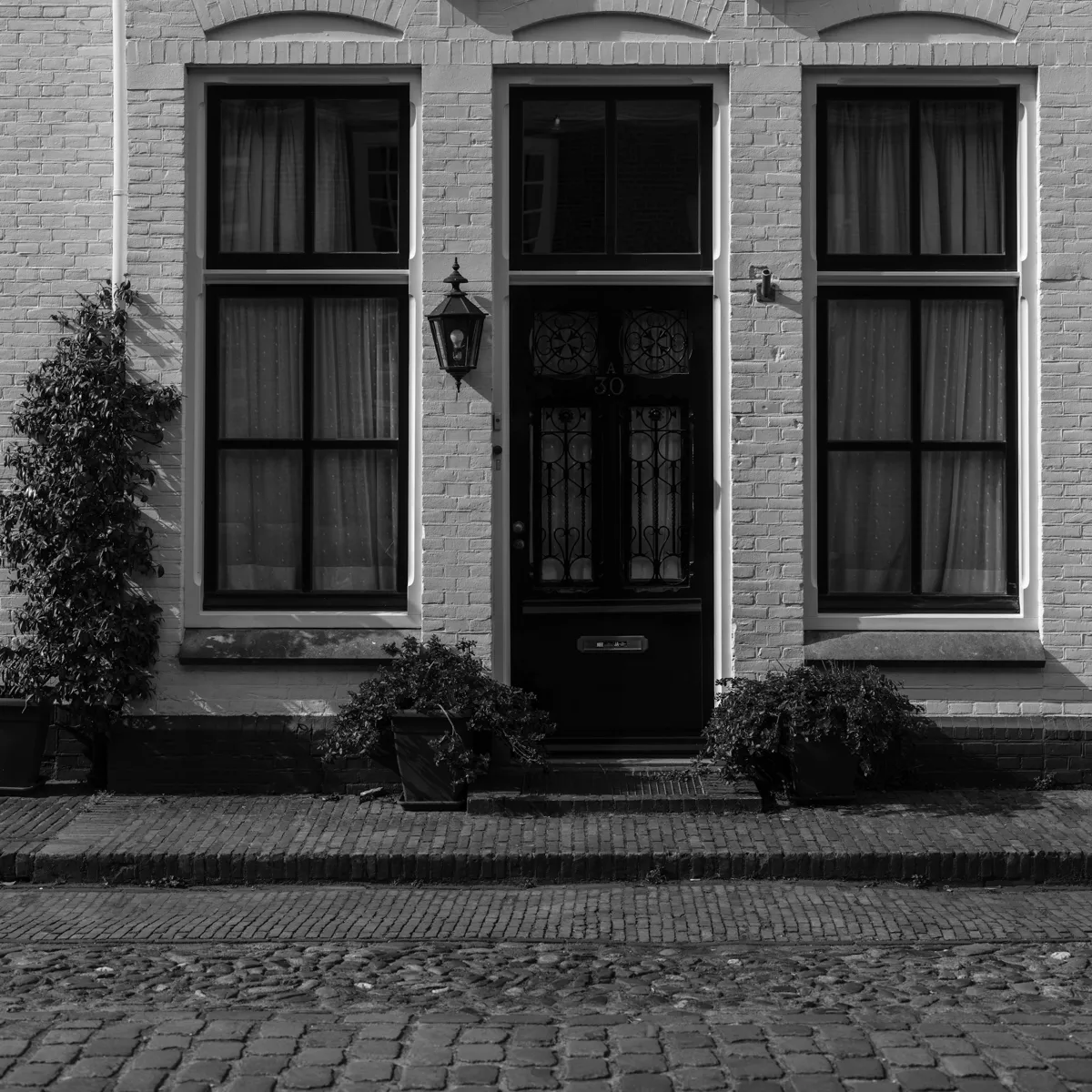 Luxury Homes & Villas
Map approved users, expiry review and a lost-phone fallback.
Explore solution →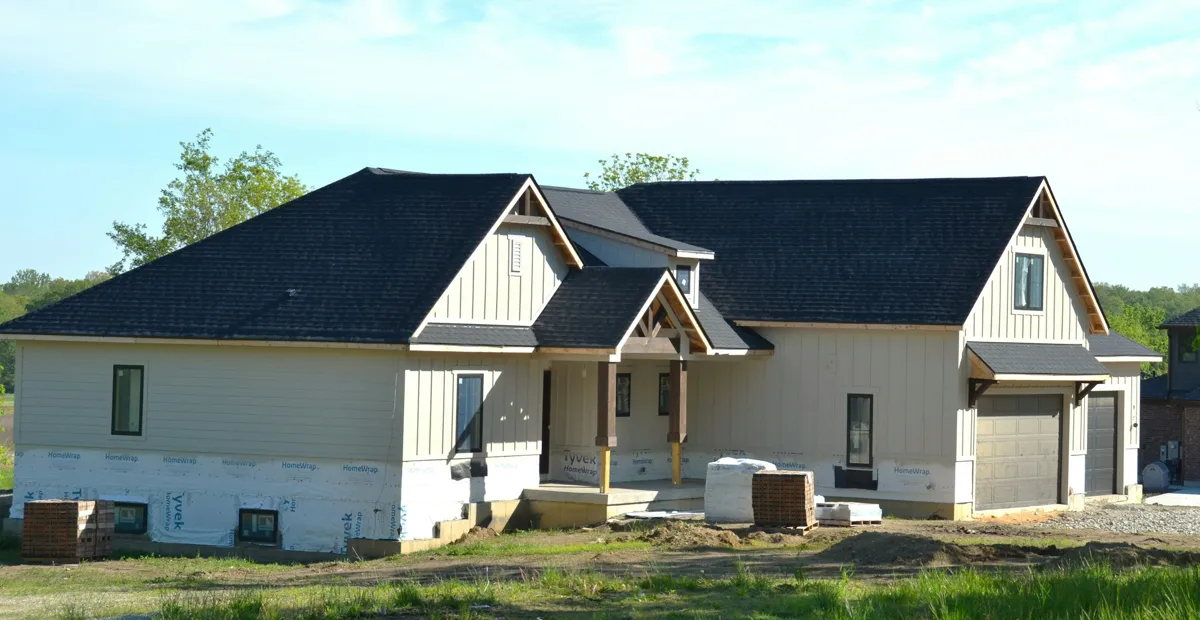 Luxury Homes & Villas
Show and notify the connecting door's open state without moving the garage mechanism.
Explore solution →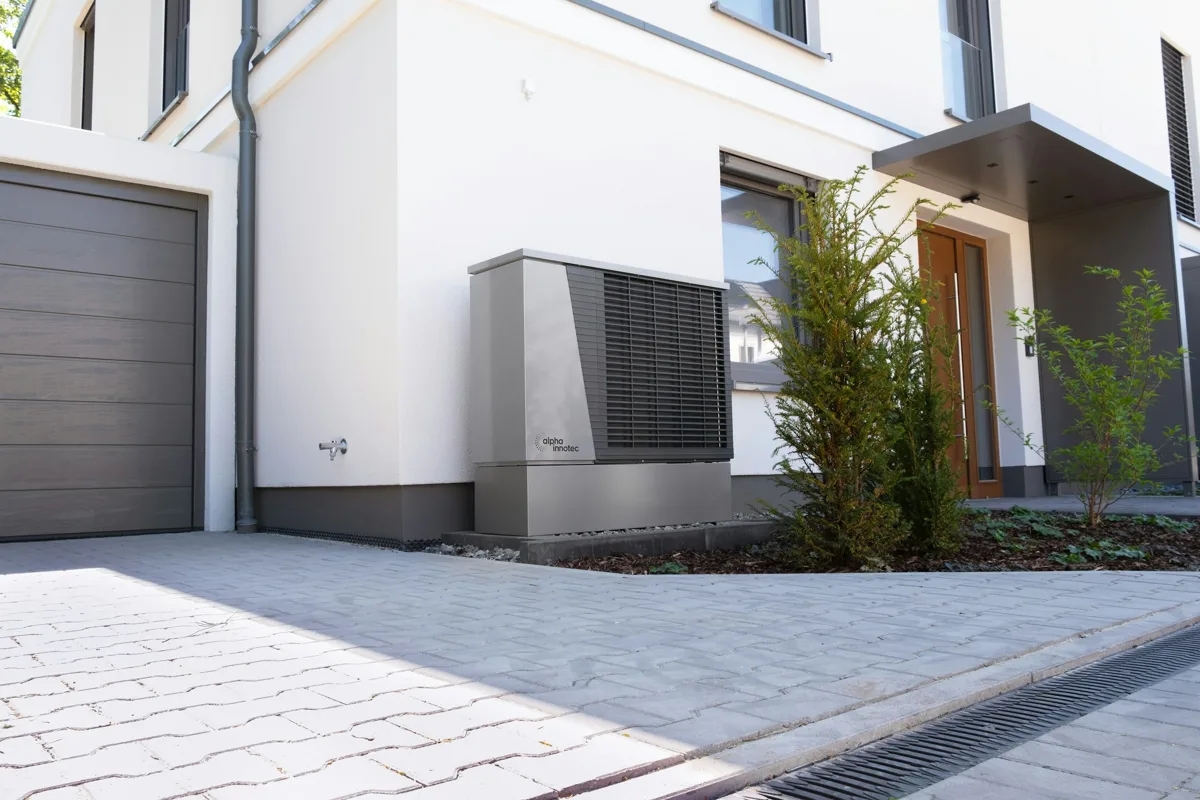 Luxury Homes & Villas
Separate camera viewing permissions from nonvisual indoor alerts.
Explore solution → Luxury Homes & Villas
Keep each zone's schedule within equipment and comfort boundaries.
Explore solution →Luxury Homes & VillasCreate a readable keypad schedule with a small set of resident-approved scenes.
Explore solution → Renovation & Retrofit
Survey reversible wireless options and list the remaining wiring work.
Explore solution →Renovation & RetrofitPass manual bolt alignment and door-preparation checks before adding smart control.
Explore solution → Renovation & Retrofit
Choose a regional model only after an electrician records wiring and lamp loads.
Explore solution → Renovation & Retrofit
Place accessible sensors below exposed supply and waste connections.
Explore solution → Renovation & Retrofit
Walk-test an approach-triggered light with a nighttime condition and manual override.
Explore solution → Renovation & Retrofit
Cover each agreed entry direction and verify retrigger timing during a real walk-through.
Explore solution → Renovation & Retrofit
Survey rail and panel movement, then calibrate open/close positions per panel.
Explore solution → Renovation & Retrofit
Return a compatibility result before quoting any thermostat replacement.
Explore solution → Renovation & Retrofit
Define each phase's retained devices, controller capacity and acceptance gate.
Explore solution →Renovation & RetrofitComplete owner handover only after rule tests, credential review and rollback notes.
Explore solution → Security & Access Integrators
Keep mechanical lock operation and independent door-state confirmation distinct.
Explore solution →Security & Access IntegratorsProvide a resident-confirmed review and manual unlock path only.
Explore solution →Security & Access IntegratorsNotify a named resident when an agreed secondary opening is left open.
Explore solution → Security & Access Integrators
Create an opening checklist and notification rule for surveyed basement windows.
Explore solution → Security & Access Integrators
Report service-door open/closed state and verify the local inspection response.
Explore solution → Security & Access Integrators
Record who approves a guest and how access is ended.
Explore solution → Security & Access Integrators
Map permitted views, recording locations and authorized viewers.
Explore solution → Security & Access Integrators
Create a resident-triggered away checklist using currently reported contact states.
Explore solution → Security & Access Integrators
Assign battery review, replacement and a tested mechanical fallback.
Explore solution → Security & Access Integrators
Return an authorized asset-and-risk register with prioritized repair actions.
Explore solution →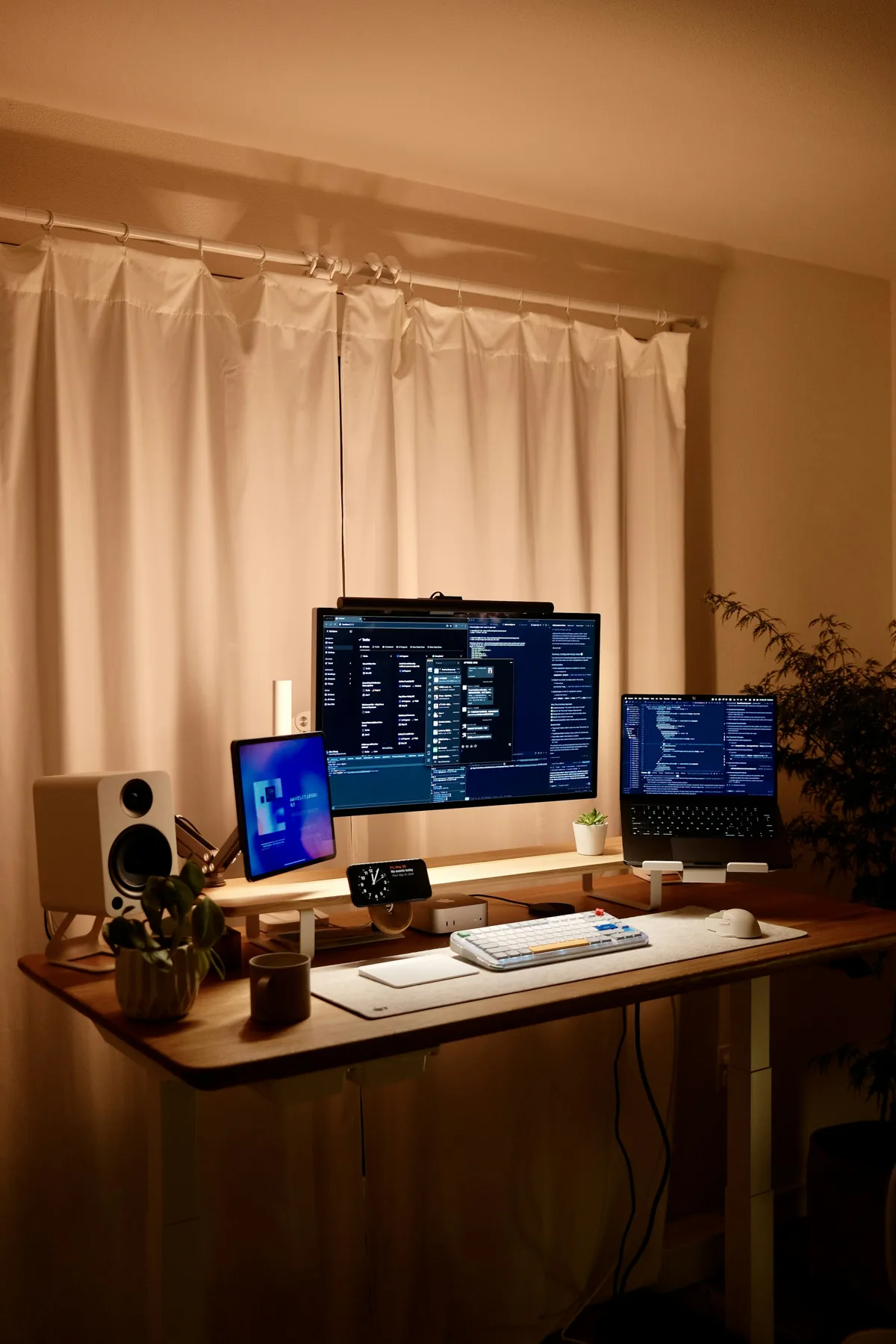 Electricians & Lighting Contractors
Agree separate lamp levels for each activity and a physical recall control.
Explore solution →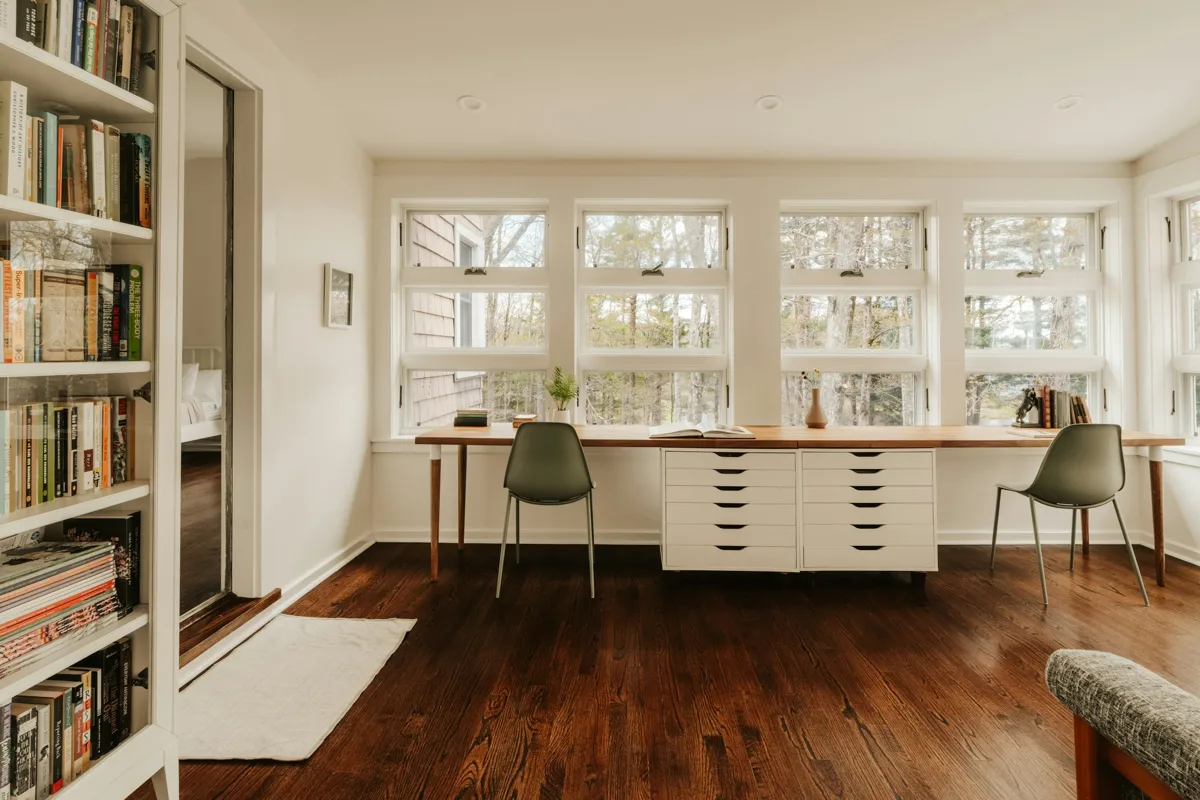 Electricians & Lighting Contractors
Limit all-off to an agreed lighting circuit list.
Explore solution →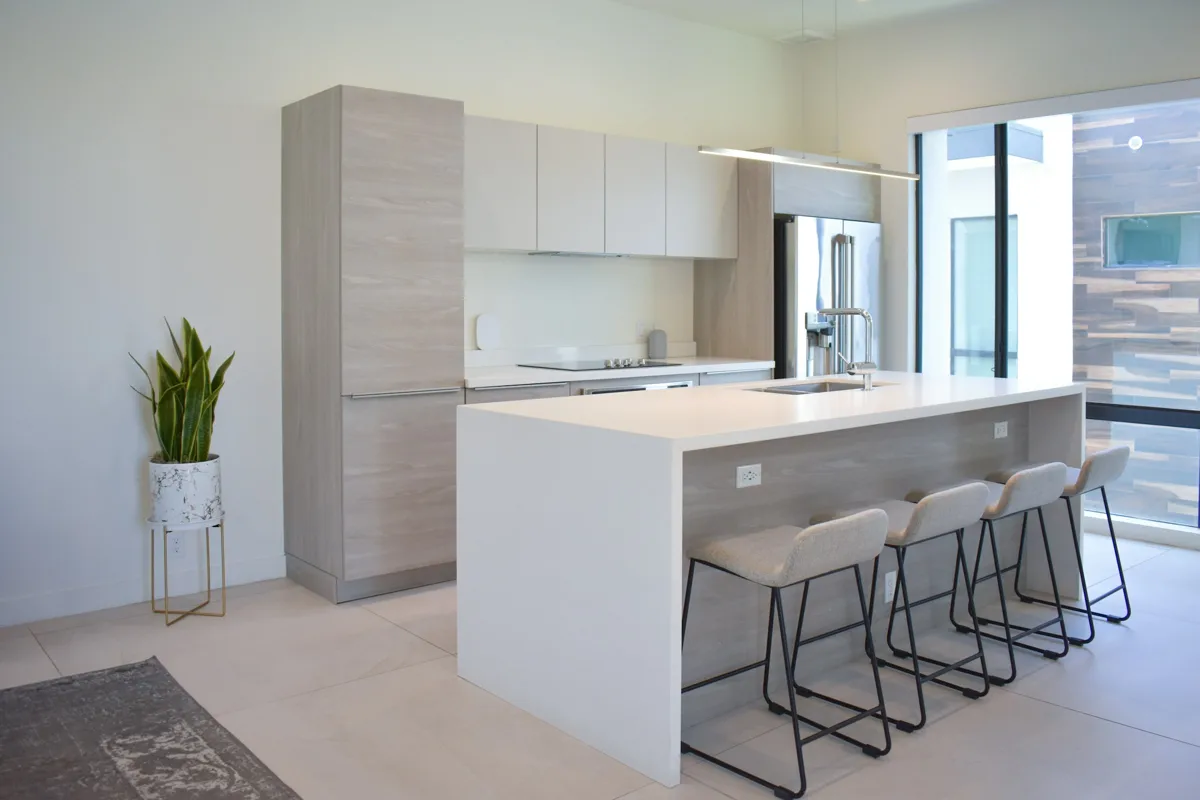 Electricians & Lighting Contractors
Separate task and ambient circuits and test comfortable working levels.
Explore solution → Electricians & Lighting Contractors
Store a small set of tested dining scenes without flicker at the agreed minimum.
Explore solution →Electricians & Lighting ContractorsWalk-test every entrance and select a retrigger timeout covering the real route.
Explore solution →Electricians & Lighting ContractorsUse staged approach tests and a manual override with an independent safe light level.
Explore solution →Electricians & Lighting ContractorsTest timer/sun-event settings and the post-restart light state.
Explore solution →Electricians & Lighting ContractorsSurvey the existing control topology and show the proposed wiring change clearly.
Explore solution → Electricians & Lighting Contractors
Record those tests for every accepted lighting circuit and scene.
Explore solution → Smart Home Integrators
Return an exact model-to-controller compatibility matrix.
Explore solution → Smart Home Integrators
Check certification, firmware and the requested feature on a pilot device.
Explore solution → Smart Home Integrators
Map critical paths, powered mesh devices and real endpoint tests.
Explore solution → Smart Home Integrators
Document controller, border router and LAN discovery requirements together.
Explore solution → Smart Home Integrators
List the exact trigger/action pair and a fallback for each scene.
Explore solution → Smart Home Integrators
Create an offline capability table from a deliberate WAN-disconnect test.
Explore solution → Smart Home Integrators
Check intended commands, users and failure recovery on the chosen ecosystem.
Explore solution → Smart Home Integrators
Survey wired backhaul, coverage and power continuity before automation work.
Explore solution → Smart Home Integrators
Pilot a per-unit checklist with isolation and recovery verification.
Explore solution → Smart Home Integrators
Define update ownership, a pilot group and a post-update regression list.
Explore solution → Hotels & Short-Term Rentals
Provide a clearly documented arrival scene and guest-facing manual controls.
Explore solution →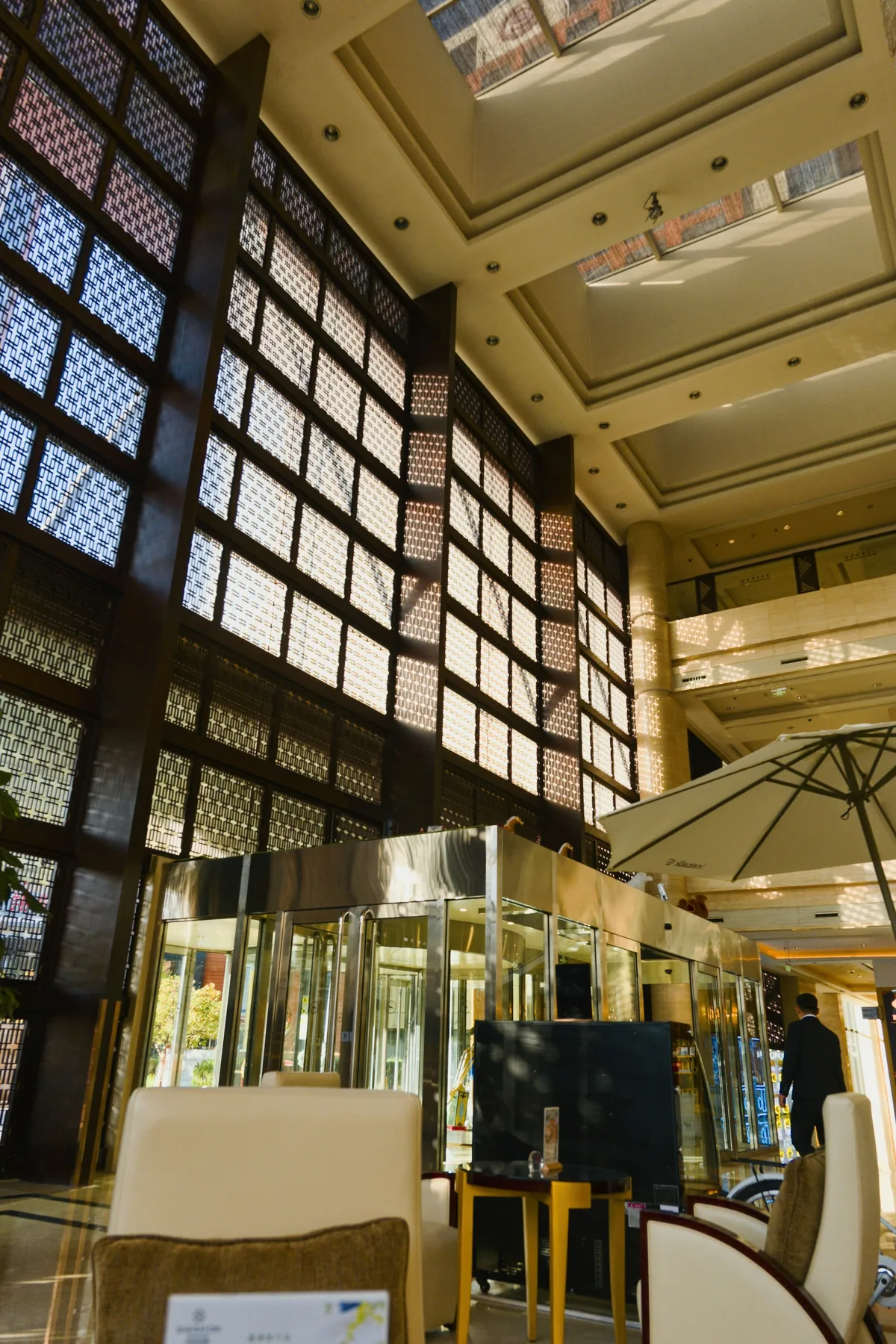 Hotels & Short-Term Rentals
Define the booking-to-credential process and a staff fallback.
Explore solution → Hotels & Short-Term Rentals
Notify only the leak location and permitted contact, then log manual resolution.
Explore solution → Hotels & Short-Term Rentals
Review indoor comfort trends and send an agreed abnormal-condition notice.
Explore solution → Hotels & Short-Term Rentals
Create an owner-approved reset scene that excludes locks and personal records.
Explore solution → Hotels & Short-Term Rentals
Produce a per-property maintenance schedule and loan/spare register.
Explore solution →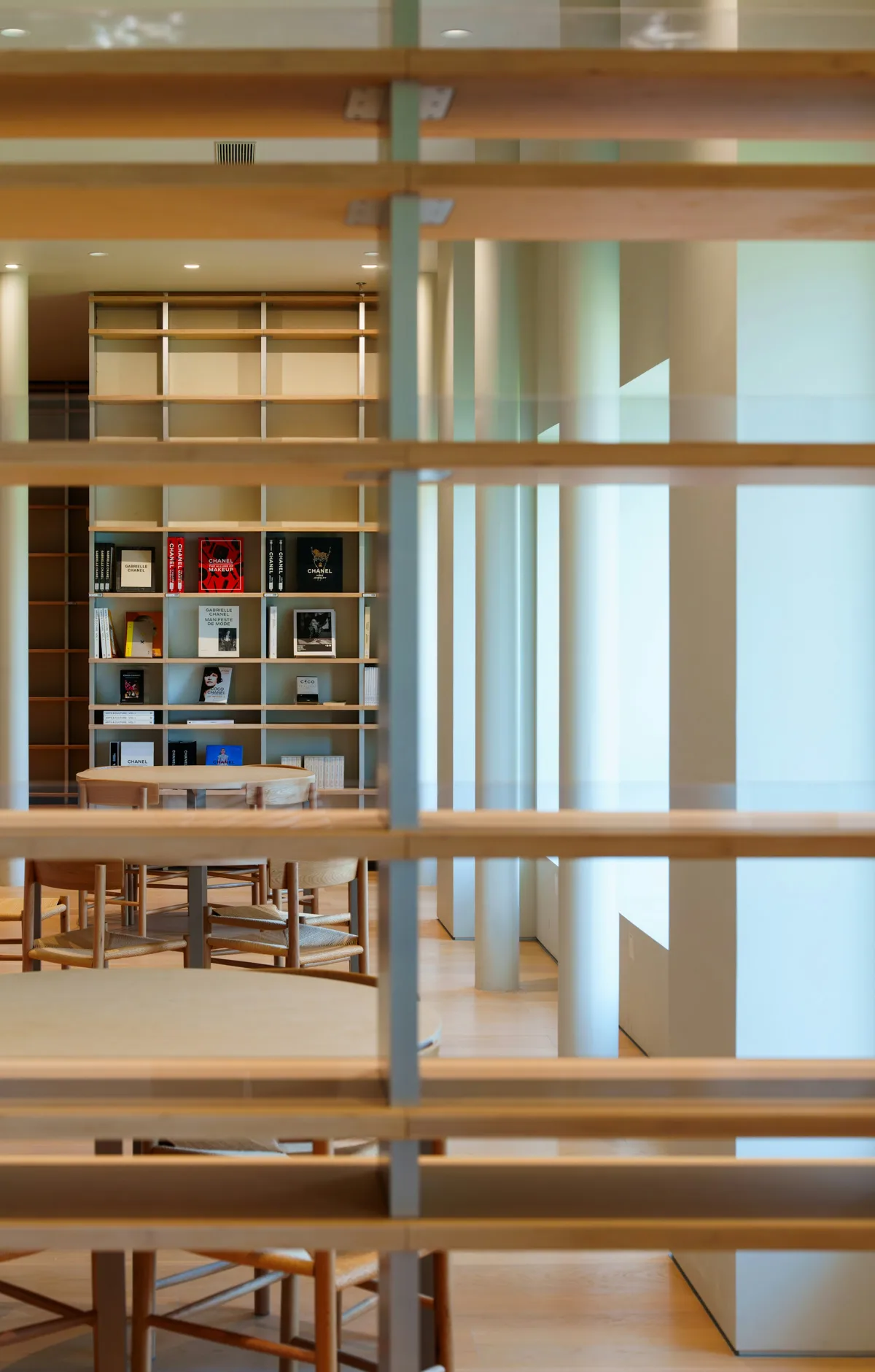 Retail & Showrooms
Label each device path and let staff repeat a short guided demonstration.
Explore solution →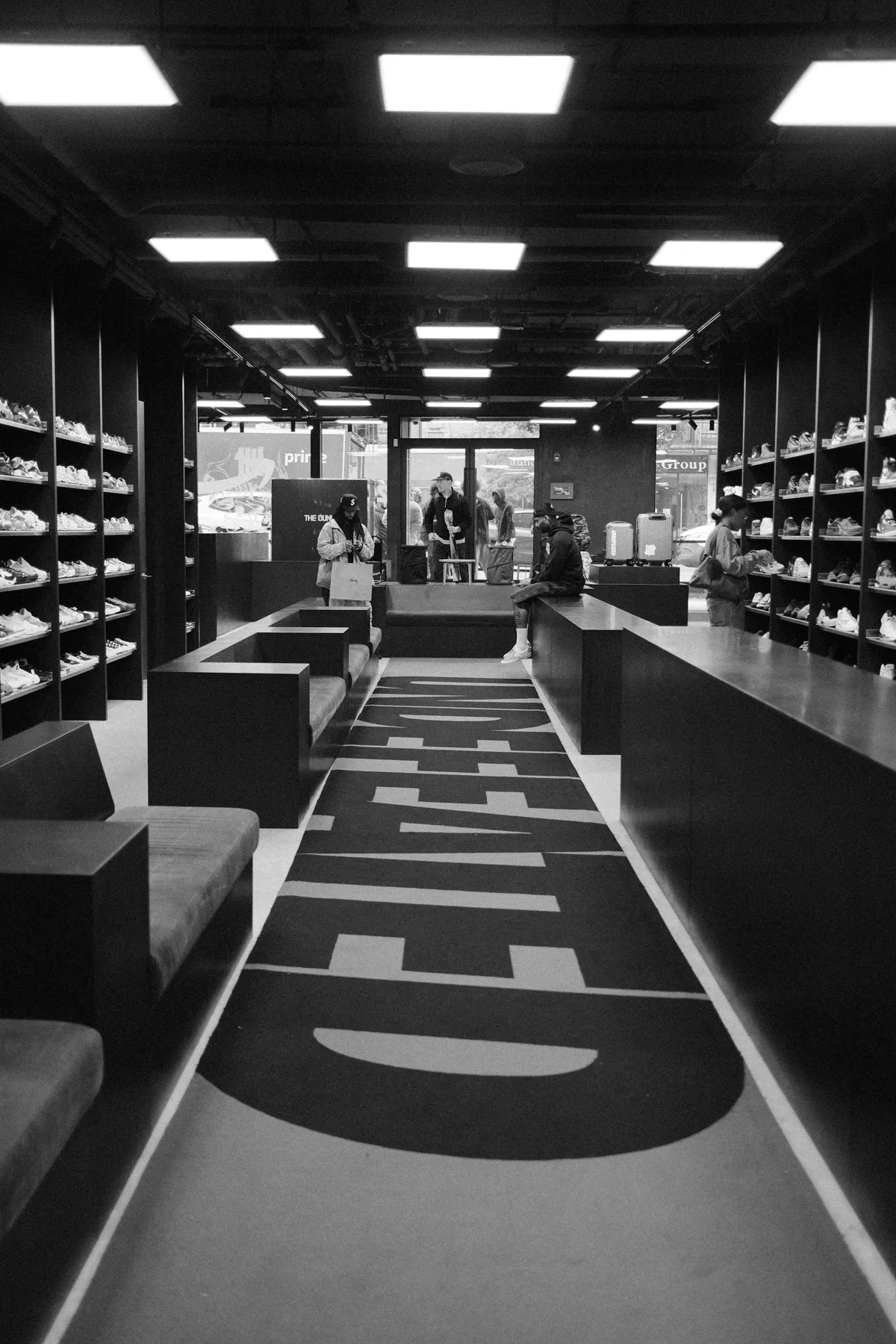 Retail & Showrooms
Use a secured sample door with visible mechanical and authorized electronic operation.
Explore solution →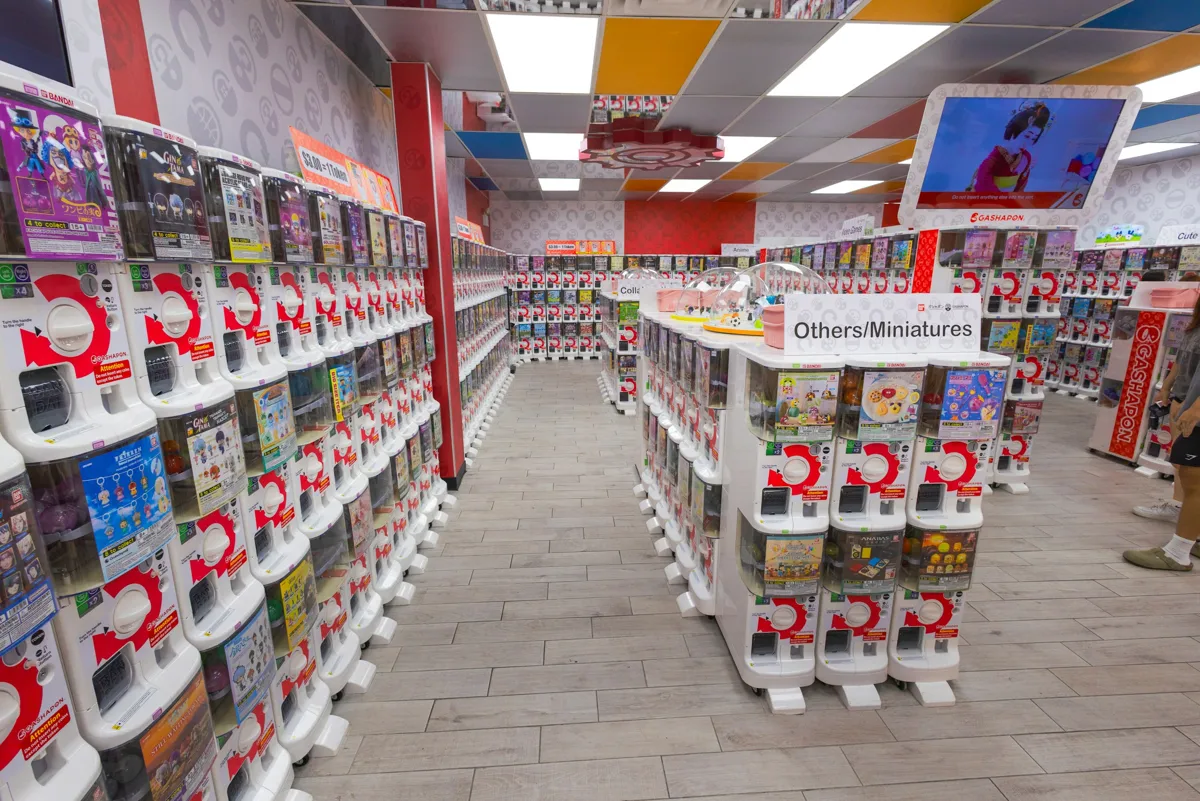 Retail & Showrooms
Save repeatable task, ambient and dimmed examples on a labeled test bay.
Explore solution → Retail & Showrooms
Use a consented demo view and a staff-controlled reset process.
Explore solution → Retail & Showrooms
Calibrate sample-panel travel and let staff restore the starting scene.
Explore solution → Retail & Showrooms
Show a labeled room mockup with each vendor branch and a scope card.
Explore solution → Retail & Showrooms
Keep a packed inventory, isolated demo account and post-visit reset list.
Explore solution → Retail & Showrooms
Reset with owner approval and verify no guest access remains.
Explore solution → Offices & Small Commercial
Document authorized transfer, retained equipment and removal of prior access.
Explore solution → Offices & Small Commercial
Return a prioritized compatibility and maintenance action list.
Explore solution → Accessible & Aging-in-Place
Walk-test a night-only light with the resident and keep a reachable manual control.
Explore solution →Accessible & Aging-in-PlacePlace a labeled compatible wireless light control at a resident-agreed reachable position.
Explore solution → Accessible & Aging-in-Place
Set limited zones, nighttime brightness and a resident-approved timeout.
Explore solution → Accessible & Aging-in-Place
Send a named location alert to the resident and separately consented helper.
Explore solution →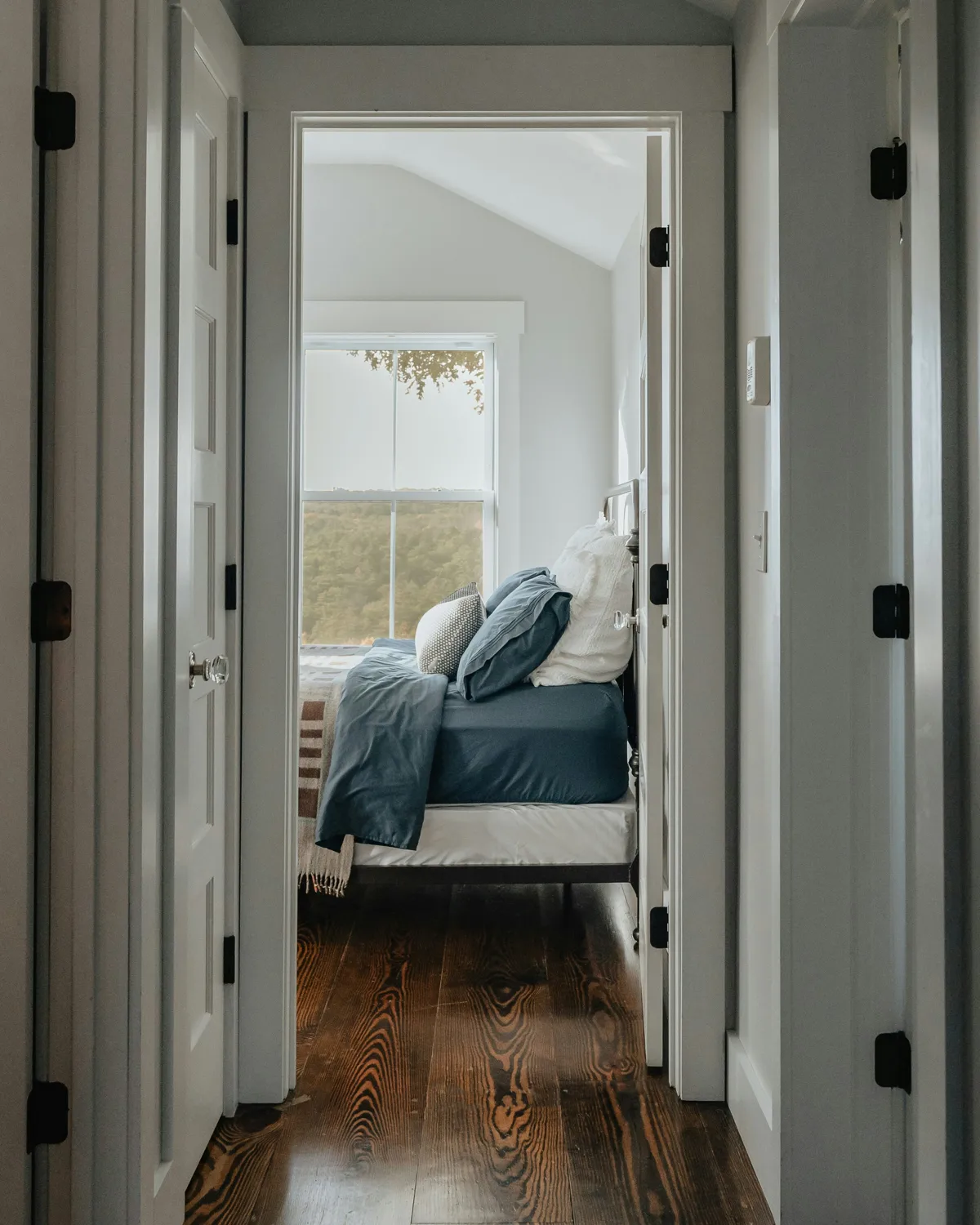 Accessible & Aging-in-Place
Provide reachable local open/close controls with calibrated panel travel.
Explore solution →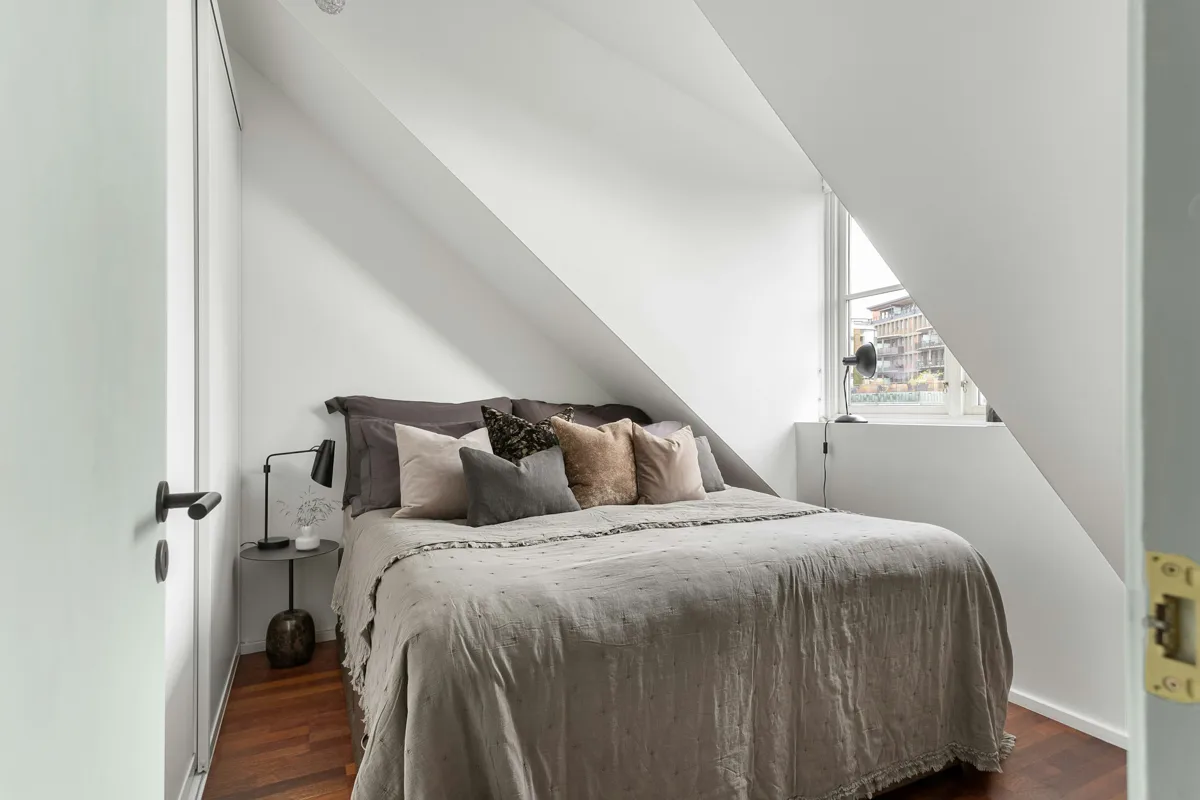 Accessible & Aging-in-Place
Reduce agreed lighting actions to a few clearly labeled physical controls.
Explore solution →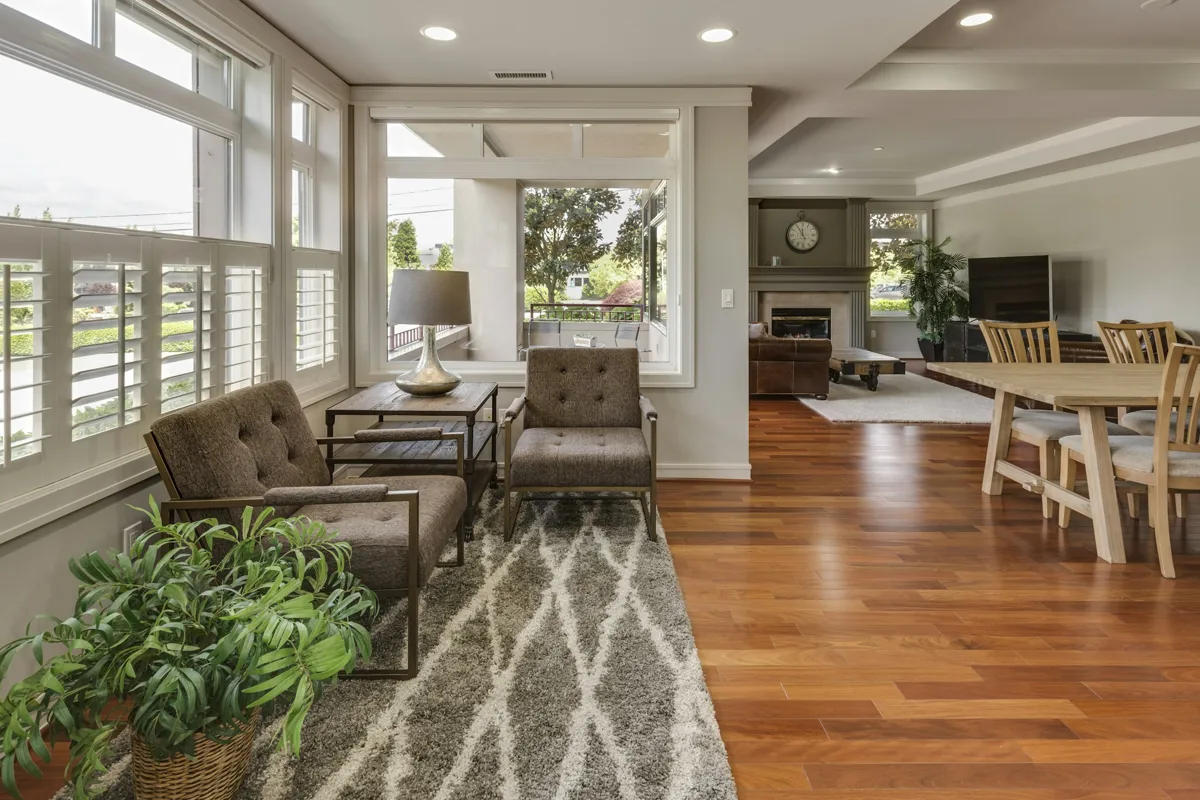 Accessible & Aging-in-Place
Test actual seated approach angles and retain reachable manual lights.
Explore solution →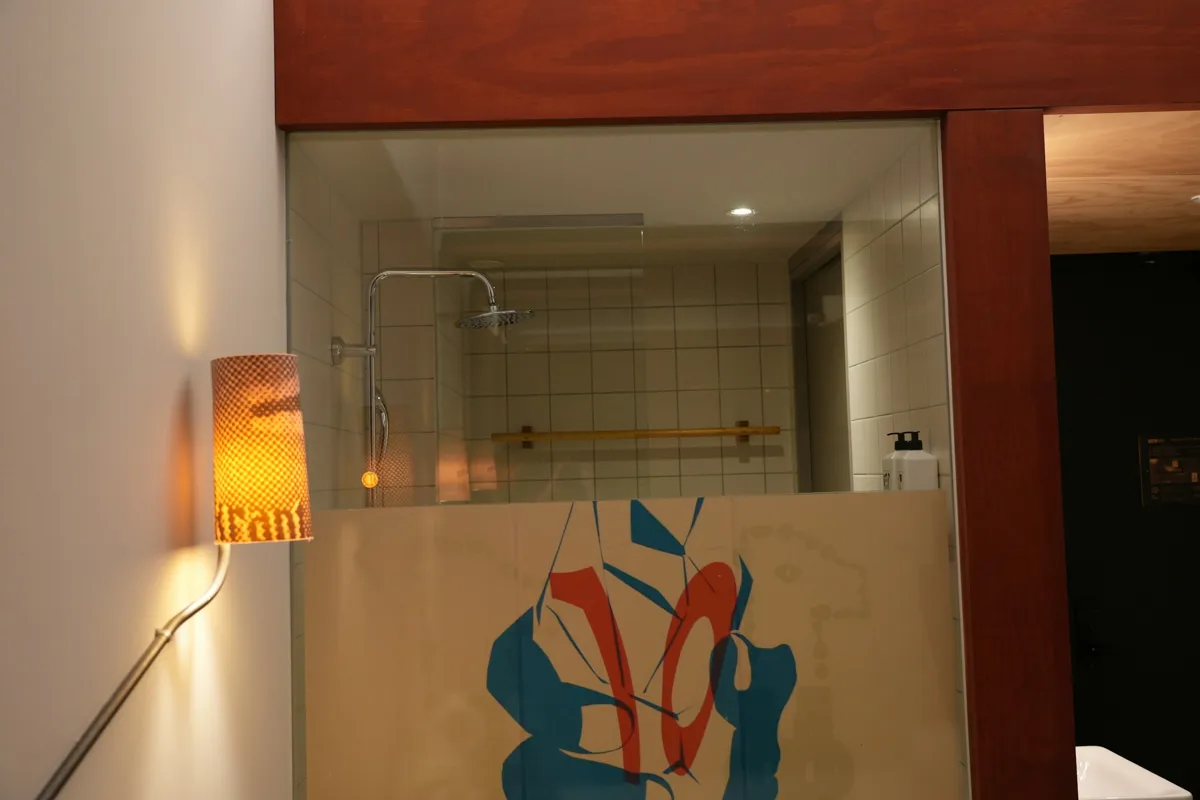 Accessible & Aging-in-Place
Set consented indoor thresholds and separate resident/helper viewing permissions.
Explore solution → Energy & Healthy Homes
Map independent wet points and verify each alert from its final location.
Explore solution → Energy & Healthy Homes
Compare indoor zone trends and agreed comfort thresholds.
Explore solution →Energy & Healthy HomesLet residents select comfortable evening and morning lighting scenes.
Explore solution →Energy & Healthy HomesUse calibrated per-window light or time conditions and manual override.
Explore solution →Energy & Healthy HomesBuild an owner-triggered lighting-only away scene with an explicit exclusion list.
Explore solution →Energy & Healthy HomesReturn a manufacturer-checker result and an approved power plan.
Explore solution →Energy & Healthy HomesTrack dry indoor humidity and notify an agreed prolonged threshold crossing.
Explore solution →Energy & Healthy HomesAssess each load's rating, restart behavior and exclusion from essential services.
Explore solution →Energy & Healthy HomesUse agreed indoor temperature/humidity thresholds and a named adult recipient.
Explore solution →Energy & Healthy HomesCombine indoor trend review with a local response and inspection plan.
Explore solution →No matching solutions. Tell us about your project for a custom recommendation.