
Buying Matter Devices Across Generations: Check the Exact Model
A product family can contain different hardware generations and software histories. Use the exact version and current requirements when buying Matter devices, especially when mixing existing stock with a new system.
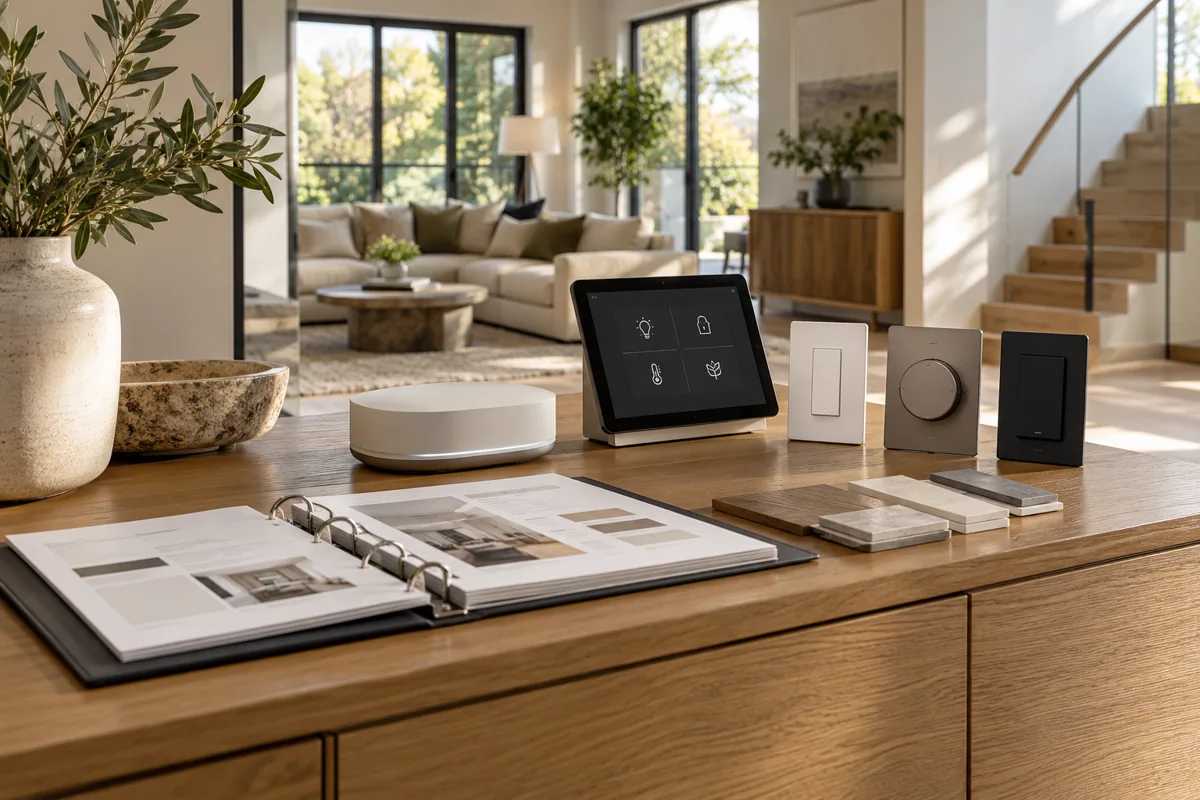
Read the offered unit
Ask for the model code and generation of the unit being supplied. A retailer’s general family description may not tell you whether an older accessory has the same onboarding and controller requirements as today’s version.
Confirm readiness
Check firmware prerequisites, supported transport and the intended platform’s controller needs. A future update mentioned elsewhere should not be treated as an already available feature on the device in your shopping cart.
Keep purchase records useful
Retain model, version and the agreed integration path with the project list. This makes replacement and expansion orders more reliable than trying to match a familiar product image several months later.
Before you buy
- Exact supplied generation
- Current firmware and controller needs
- Version recorded for future orders