
Adding PoE Cameras: Budget for Powered Ports as Well as Camera Count
A PoE camera order needs a matching power-and-network plan. Count the intended devices and their documented requirements, then check the proposed switch or recorder rather than assuming spare sockets are sufficient.
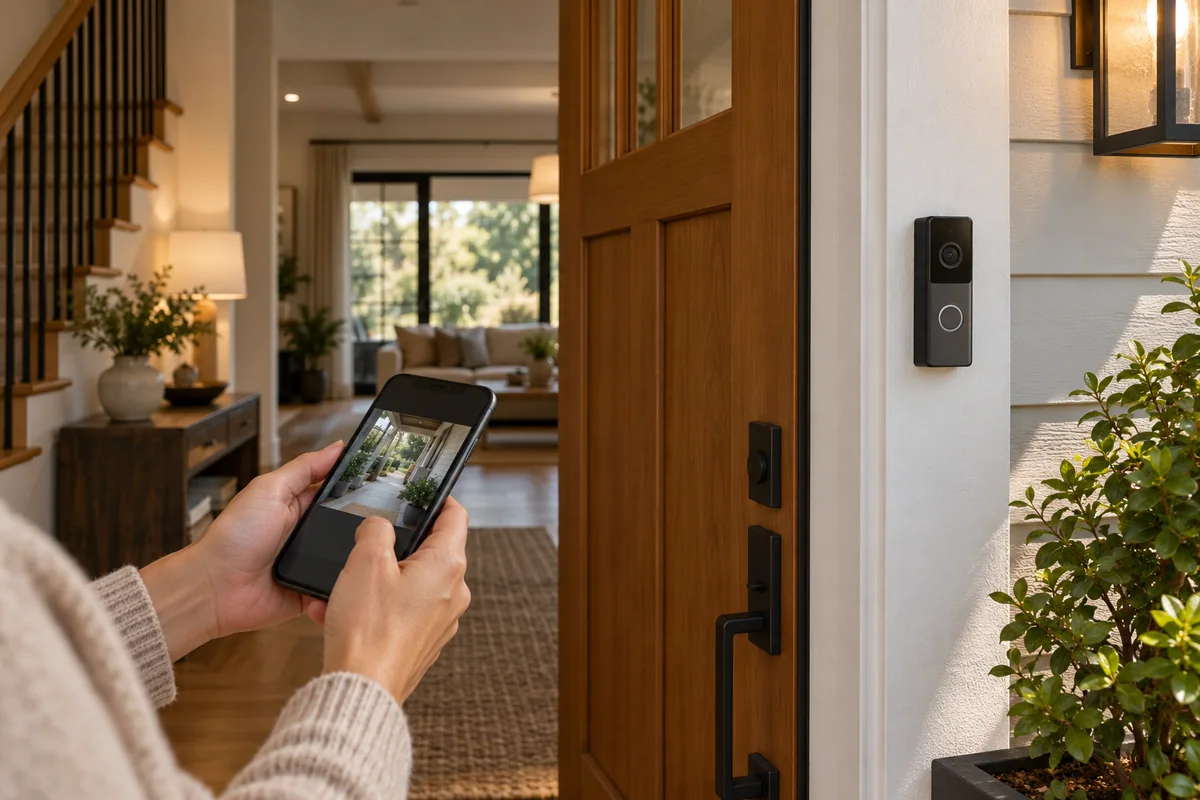
Make an endpoint schedule
List each camera and doorbell with its location and exact model. That schedule gives the installer a basis for checking cable routes, individual power requirements and which equipment supplies each endpoint.
Confirm usable capacity
Ask for the appropriate PoE standard, supported ports and combined power capacity in the proposal. A device having an Ethernet connector does not mean every port in the existing cabinet can power it.
Leave a clear handover
Label the connections and retain the final topology with the equipment list. If later expansion is likely, price a reasonable reserve deliberately instead of discovering that the next camera requires unexpected infrastructure changes.
Before you buy
- Endpoint models and locations
- PoE standard and total capacity
- Labeled topology and expansion allowance