
Guestroom reset: lighting scenes are not an access reset
A room-reset button can help staff return agreed lights and shades to a starting state. Keep that task separate from guest access removal, account cleanup and other turnover work that needs its own confirmed process and record.
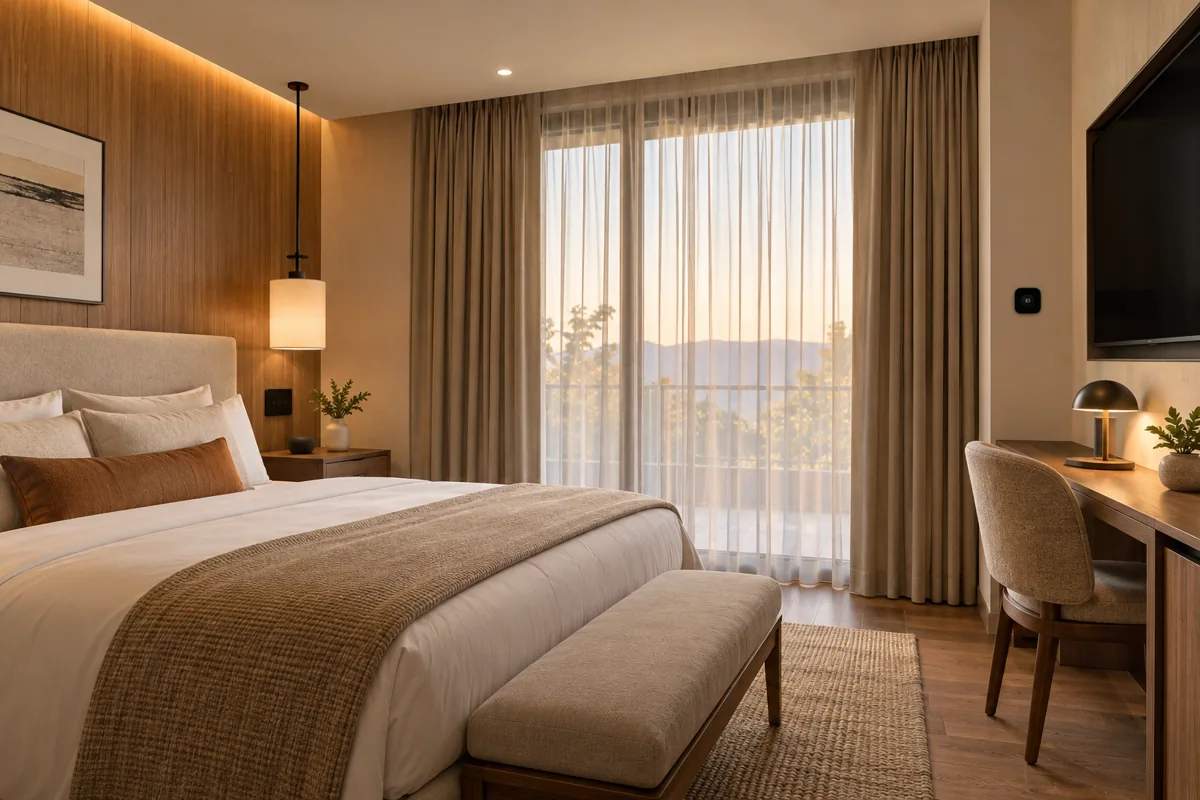
Define the starting state
List the lights and coverings that belong in the reset. Exclude appliances or equipment that should not be switched casually, and make sure a late guest or occupied room is not unexpectedly affected by a staff action.
Give staff a clear control
Use a dedicated, labeled control or a restricted staff workflow. Do not require cleaners to navigate the owner’s full home-automation account merely to restore a few ordinary room settings after a guest leaves.
Buy the reset scope
Ask for a device-by-device reset list and a separate access-handover checklist. A useful demonstration shows both the scene action and what remains outside it, so staff know when additional turnover tasks are still required.
Before you buy
- List reset devices
- Exclude sensitive loads
- Keep access cleanup separate