
A show-home scene should match what buyers can order
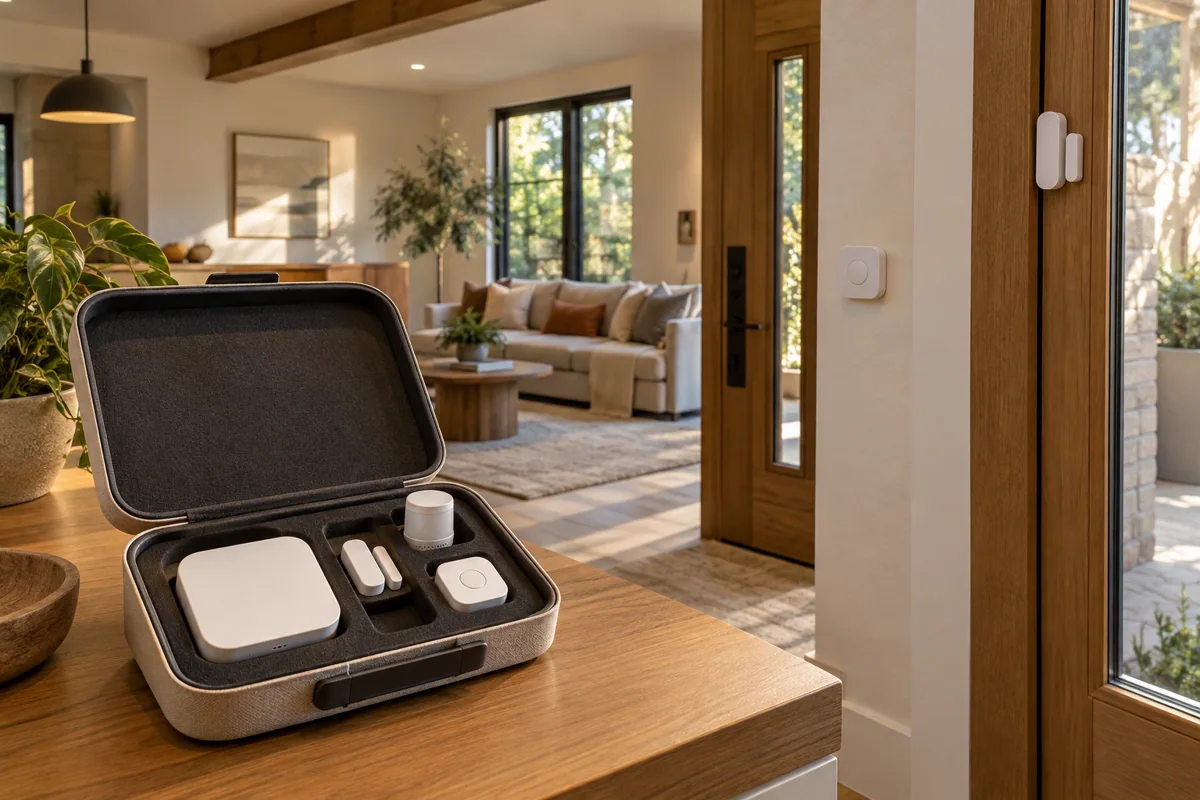
A useful show-home demonstration connects one attractive scene to a clear purchase scope. Keep displayed devices, optional upgrades and installation allowances identifiable, so a visitor can move from seeing the room to requesting a realistic package.
Choose a short daily story
Use arrival, dining or goodnight rather than a long sequence of unrelated effects. Staff should be able to explain which device does each action and repeat the demonstration without guessing at app settings.
Keep demo credentials separate
Use dedicated demonstration accounts and a reset routine. Do not populate the display with real homeowner information or imply that a device shown in the model belongs in every unit regardless of its door, wiring or layout.
Ask for a display scope card
Request a device list tied to the scene, with included and optional items clearly marked. This makes a follow-up quote much easier than reconstructing what a visitor remembers from a room full of technology.
Before you buy
- Map every action to a device
- Separate demo accounts
- Mark optional items