
A new scene after approval is a scope question
A small-sounding scene request can require another sensor, a different control path or extra commissioning. Before accepting it as a quick adjustment, compare the new action with the agreed equipment and installation scope.
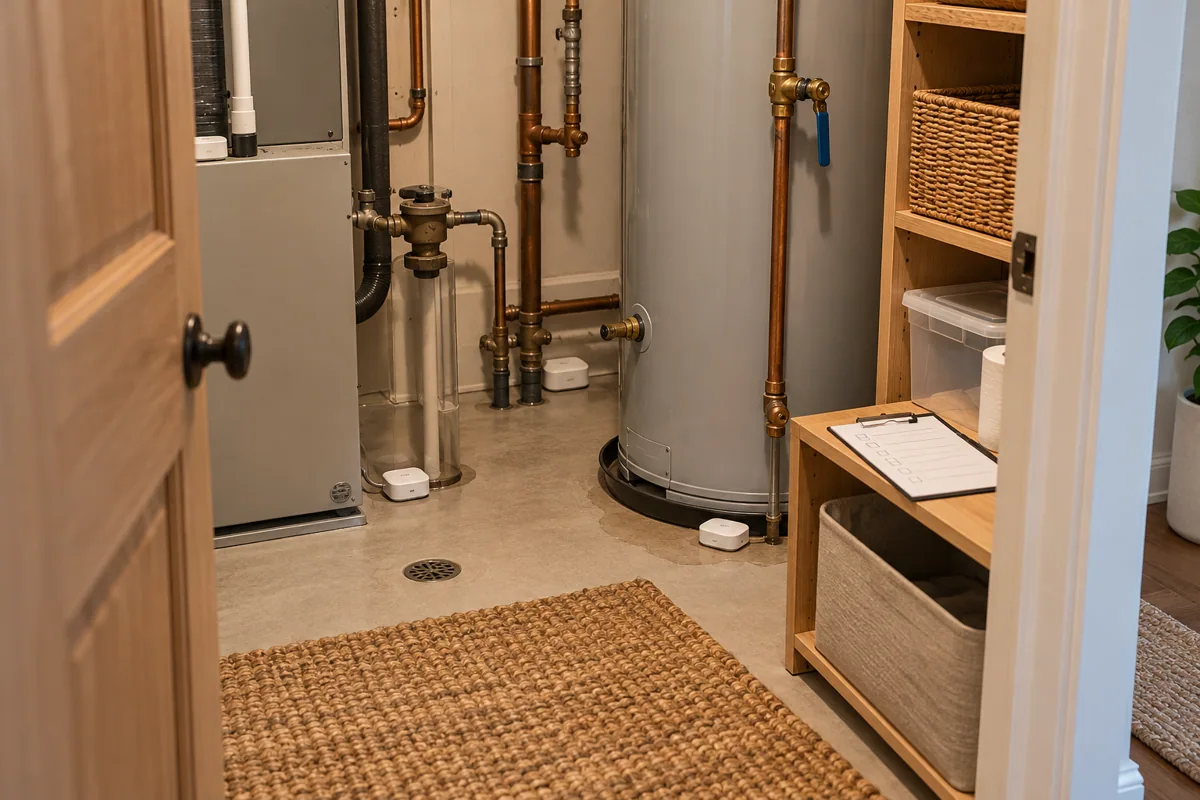
Describe what changes
Ask which trigger, device action and manual override the customer wants. Compare these with the accepted scene list. A new name for an existing setting is different from adding behavior that depends on equipment the original quotation did not include.
Review the whole path
Check the controller, integration and affected room controls before deciding whether hardware changes are needed. Avoid assuming that a platform logo makes every requested cross-brand action available without additional planning or installation work.
Confirm the revision
Write the new scope and any equipment differences for approval. Local integrators can bring that revision to HomeTech for technical or sourcing assistance, keeping the support request tied to a clear change rather than an undefined expanding promise.
Before you buy
- Identify trigger and action
- Compare with accepted scenes
- Confirm equipment and scope changes