
Demonstrate camera features without filming your visitors
A camera display can show a useful buying decision without recording every person who walks into the store. Aim it at a controlled demonstration area and explain storage choices before asking customers to compare image features.
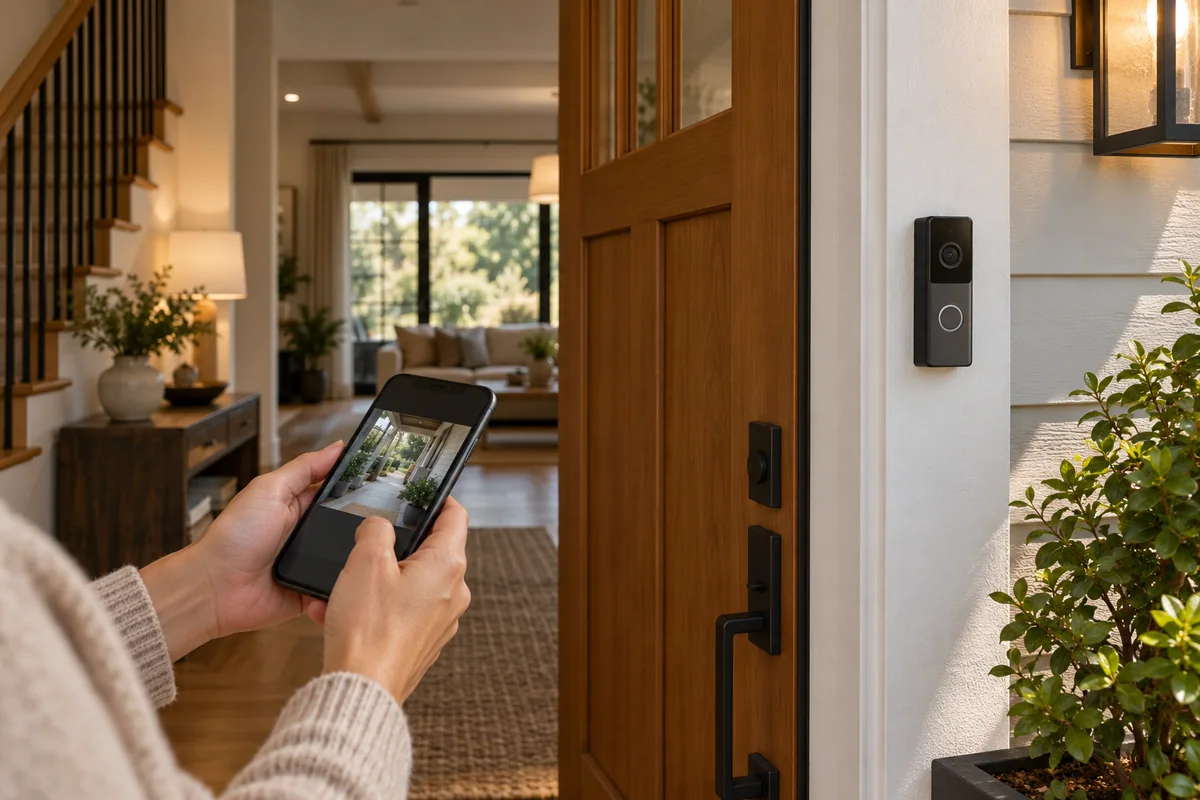
Use a defined demonstration scene
A small entry model or object movement can demonstrate an event view. Keep staff and customer information out of sample clips. The display should explain a potential home arrangement, not imply that continuous recording is necessary everywhere.
Make storage part of the choice
Compare where recordings are kept, who can view them and what features depend on a service plan. Use the exact model’s official documentation. A camera’s purchase decision includes access and ongoing use, not just resolution.
Connect the display to a site plan
Ask customers to mark the intended viewing area on a sketch. HomeTech can discuss device sourcing and system planning from that brief. Any actual installation should respect the agreed private areas and viewing permissions.
Before you buy
- Aim at a controlled scene
- Explain storage and access
- Collect a viewing-area sketch