
A retail lighting bay should show decisions, not just colors
Build a small comparison bay around activities customers recognize: reading, dining or watching a screen. A buyer can judge an upgrade more easily when the display explains where each light belongs and which supporting equipment is required.
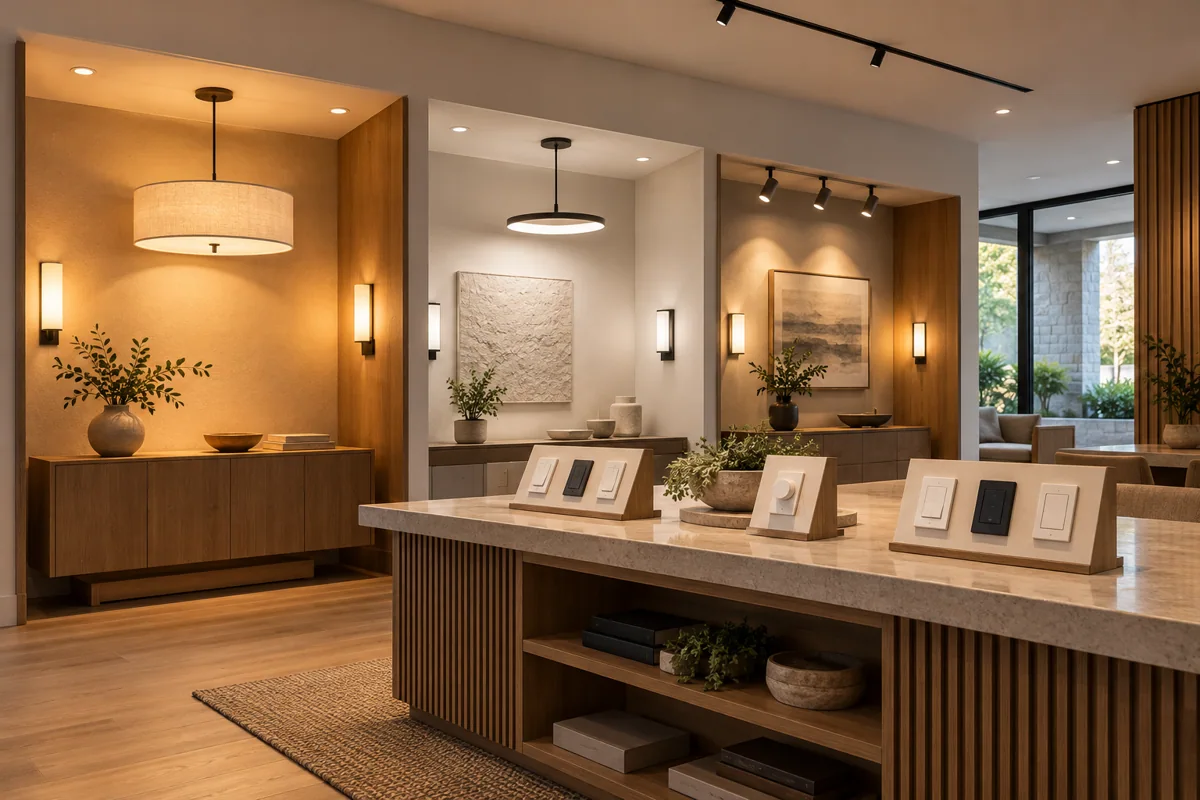
Compare like-for-like tasks
Use the same chair, surface or sample table when comparing settings. Avoid judging one product in flattering conditions and another in a poor position; the demonstration should reveal a relevant difference rather than manufacture a winner.
Display the complete path
Label the light, controller and physical control for each branch. A visitor should understand whether a shown feature needs a bridge, an accessory or separate installation before asking for the display effect at home.
Quote the buying journey
Ask HomeTech for a focused demo list with take-away scope notes and related room packages. Keep staff reset steps separate from customer accounts so the bay remains ready for the next conversation without exposing private information.
Before you buy
- Choose recognizable activities
- Label enabling components
- Keep demo accounts separate