
Remote hosts: make an alert useful to the person on site
Choose sensor names, contact permissions and a practical inspection process alongside the devices. A remote host benefits more from one clear, actionable message than a large dashboard that leaves a cleaner or maintenance person guessing which unit or cabinet needs attention.
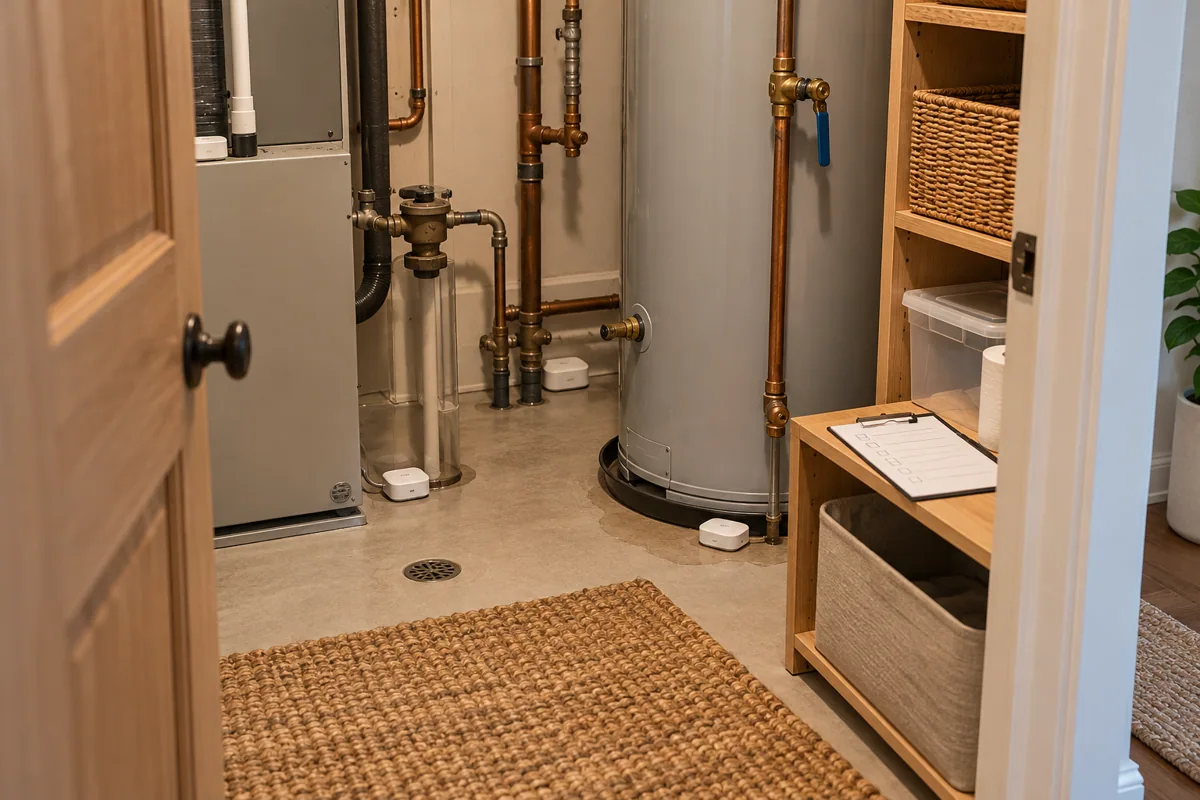
Name the physical location
Use the room and fixture that someone can recognize on arrival. Keep photographs in the authorized private handover, avoiding customer information in public links or campaign parameters used to promote the property or the service.
Agree the response boundary
Clarify what the local person is permitted to inspect and when to contact the owner. An alert from a consumer sensor should not be treated as authorization for unrelated repair work or access to private tenant information.
Request a response-linked kit
Ask HomeTech for named sensor points, required hubs and a test message workflow. Device quantity should follow independent risks and the ability to respond, rather than filling every room with another identical alert source.
Before you buy
- Name fixture and unit
- Confirm local permissions
- Test the full message path