
Who Guarantees Light‑Fixture Compatibility When You Mix Suppliers?
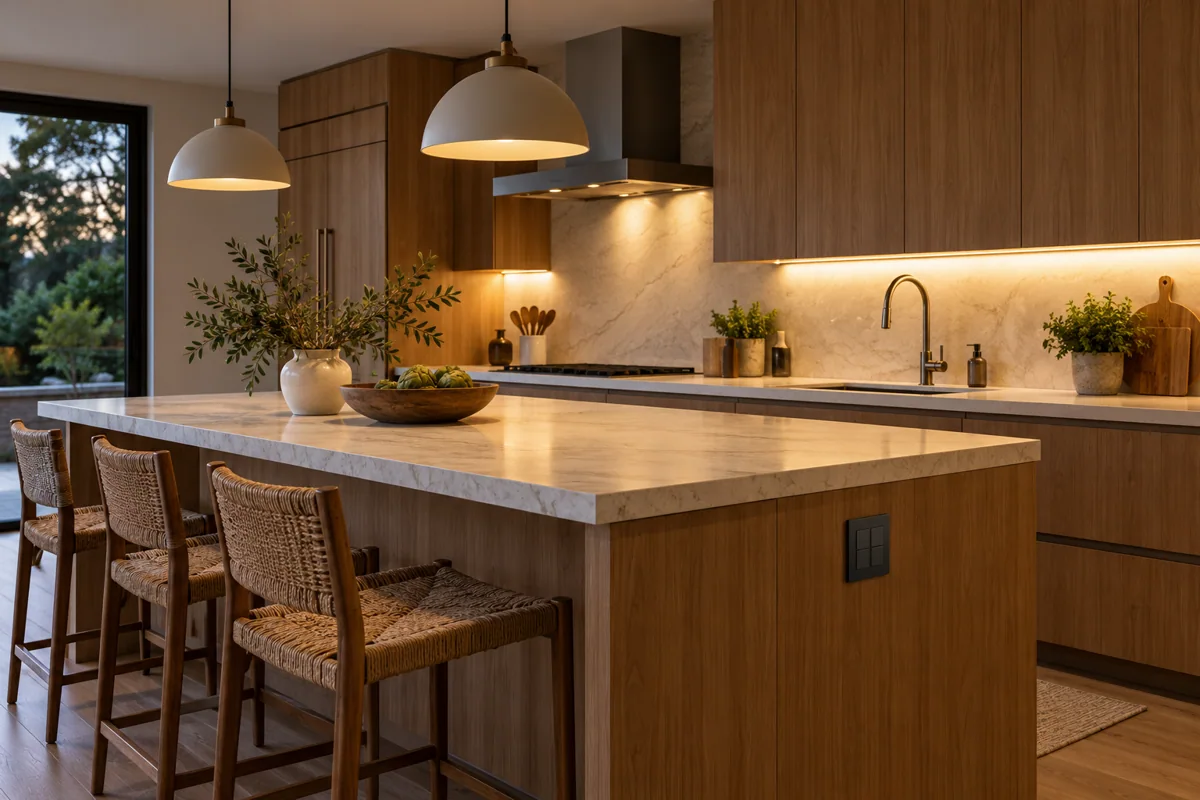
A kitchen‑task‑light moment
You’ve just installed the builder‑provided Tapo L930‑5 light strip along the countertop. It shines, but you want the Tapo H100 hub on the wall and a Tapo S200D remote dimmer so you can lower the light while chopping onions.
Why the compatibility question matters
- The strip talks Wi‑Fi only. The H100 hub supports both Wi‑Fi and Sub‑GHz, while the S200D remote uses Sub‑GHz. For the remote to affect the strip, the hub must translate Sub‑GHz commands to Wi‑Fi commands that the L930‑5 understands.
- Neither the builder nor the controller vendor automatically guarantees that translation works for every firmware version.
A practical three‑step approach
- Model confirmation – Ask both parties to list the exact firmware revision they will ship (e.g., L930‑5 v1.20, H100 v3.0). Verify that the H100 release notes state support for “Wi‑Fi‑only light strips” and that the S200D can be bound to that hub.
- Sample testing – Before the full run, request a single‑unit demo: install one L930‑5 strip, connect it to the H100, and pair the S200D. Test the dimming, on/off, and any scene‑based automation you plan to use. Record the outcome.
- Replacement responsibility – Agree in writing who will replace a unit that fails the demo. Typical wording could be:
“If the L930‑5 strip cannot be controlled by the H100 + S200D combination after successful sample testing, the supplier of the strip will provide a replacement or a refund at no extra cost. The hub and remote supplier will cover any firmware‑update assistance required.”
Conditional buying judgement
- Proceed when the builder confirms the strip’s firmware level, the hub vendor confirms protocol bridging, and both parties sign off on the sample‑test‑replace clause. This gives you a clear path to a fully integrated kitchen‑task light.
- Alternative if any of those assurances are missing: choose a Matter‑certified bulb such as the Tapo L535E and control it directly from the H100 (or even from the Tapo app) – eliminating the need for the Sub‑GHz remote altogether.
Wording to include in your quote request
“Please confirm that the Tapo L930‑5 light strip can be paired with the Tapo H100 hub and operated via the Tapo S200D remote. Include who will be responsible for firmware updates, troubleshooting, and replacement if the pairing fails after a sample test.”
By spelling out the model, test, and responsibility steps up front, you avoid a costly surprise after the walls are painted.