
Give Guests a Remote That Says What It Does
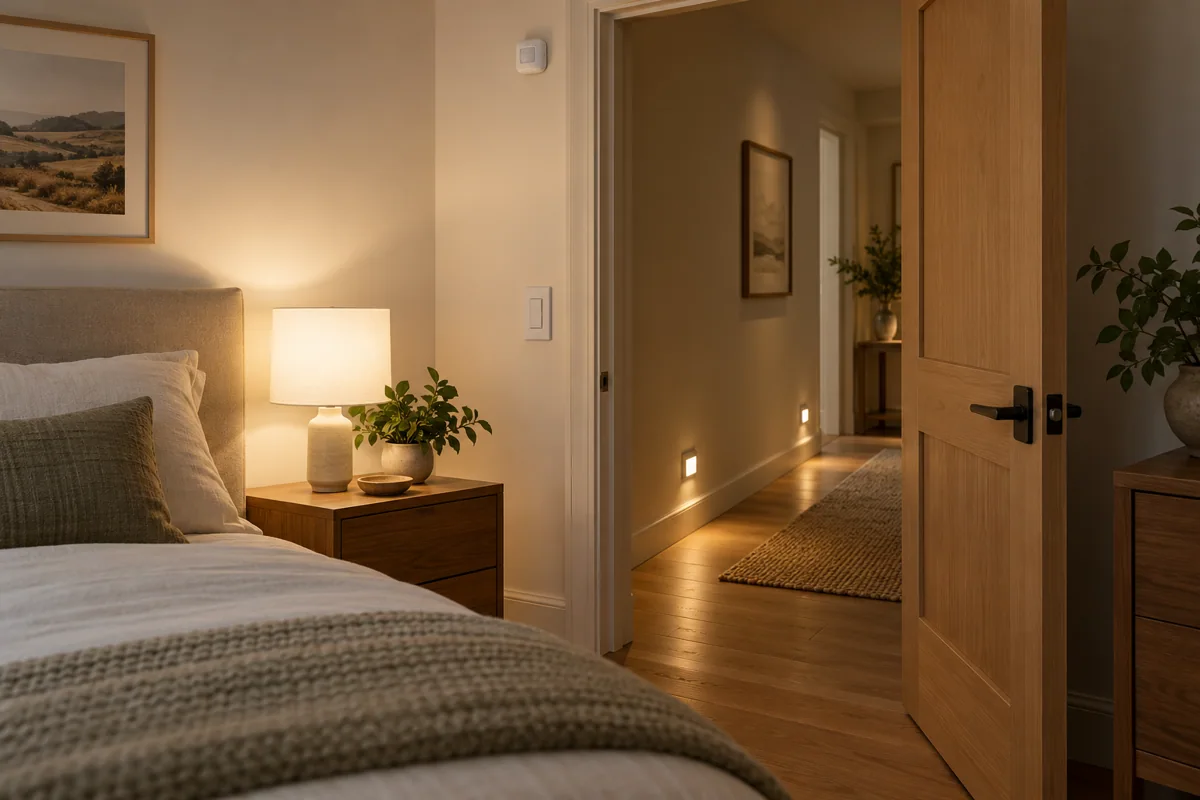
When a visitor walks into a bedroom or a living‑room, the first thing they look for is a button that does exactly what they expect. The SwitchBot Universal Remote lets you expose only the actions you actually want a guest to trigger – you don’t have to load the whole‑house app into their hand.
What to program
- Appliance control – Choose a single‑press command that the remote sends via Bluetooth or IR to the target device (e.g., Turn bedside lamp on). The command must be listed in the official SwitchBot documentation for that device; otherwise the remote will simply do nothing.
- Scene control – If you have a routine in Hub 2 that, for example, lowers the shades and sets the thermostat to “night,” expose it as a scene button. Hub 2 will execute the routine only when the remote’s button is pressed; it will not infer any extra steps.
- Avoid shortcuts – Do not map a button to a chain of actions that are not documented as a single scene (e.g., Open blinds → start music → lock door). Guests cannot see the logic and may be confused or accidentally trigger something you didn’t intend.
Conditional buying judgement
- Choose the limited‑action layout if the guest’s stay is short (a night‑over or a short‑term rental) and you want a single‑handed, tactile control that only toggles the lamp and activates the “Good‑night” scene. This keeps the remote intuitive and eliminates the need to explain any hidden features.
- Alternative – If the guest will be staying longer and you expect them to adjust multiple devices (e.g., change the thermostat temperature), consider providing a small tablet with the SwitchBot app instead of a remote. The tablet can expose the full set of supported actions while still keeping the remote reserved for quick, one‑tap tasks.
Practical responsibilities
- Homeowner: Define the exact list of actions, label each button on the remote (e.g., “Lamp On/Off”), and verify that each command works with the Hub 2 routine before handing the remote to a guest.
- Installer: Confirm that the remote’s Bluetooth/IR pairing range covers the intended devices, and document which buttons are programmed to which scenes so future maintenance is straightforward.
By limiting the remote to documented appliance and scene actions, you give guests a clear, reliable control point without exposing the complexity of your whole smart‑home setup.