
The opening checklist should test the showroom, not just tidy it
A polished display loses its value if the first button press fails. An opening check should confirm the same actions customers will try, including normal controls and the reset that prepares the next demonstration.
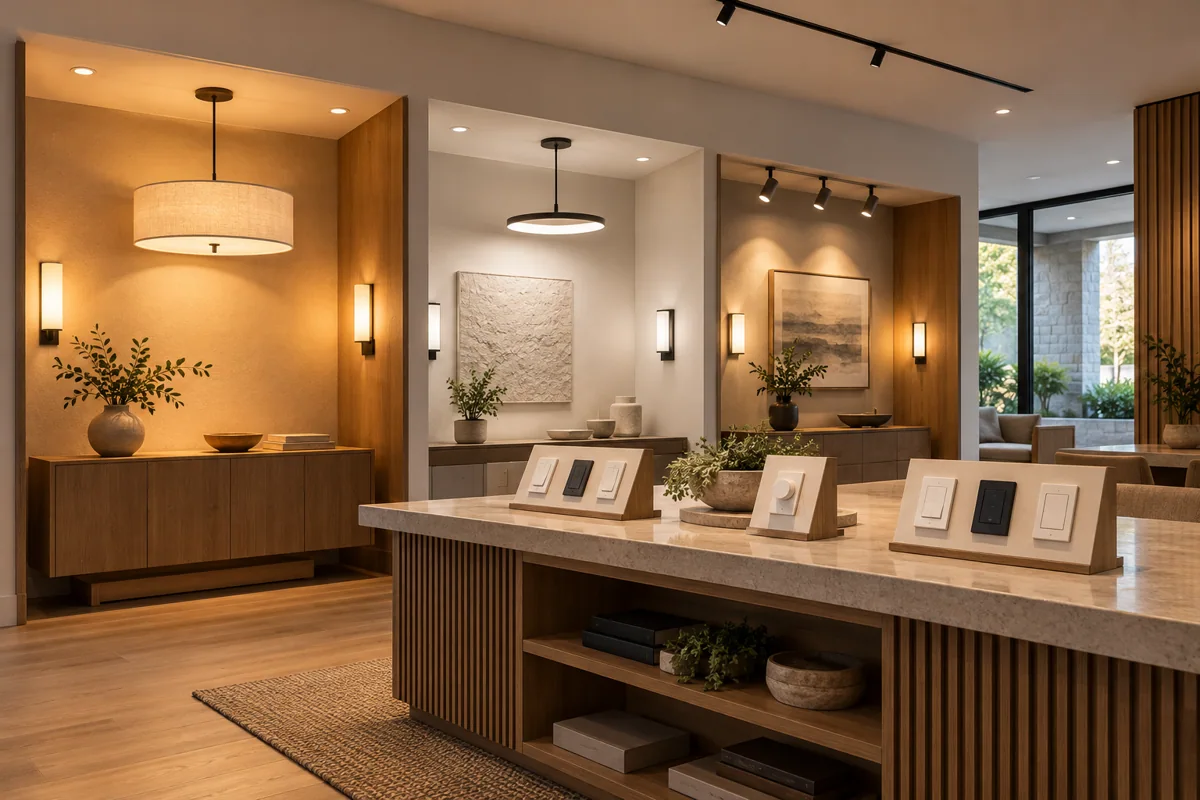
Follow the customer’s route
Start at the entry display and perform each short demonstration in order. Check visible labels and included-item cards at the same time. The route helps reveal a missing control or disconnected component before a sales conversation begins.
Record the exception
If a device is unavailable, mark that demonstration out of service and give staff an alternative explanation. Do not quietly substitute a different model while leaving the old package information on display. Log the change for the person responsible.
Make upkeep part of the store plan
Assign ownership for batteries, firmware review and demonstration accounts. When discussing a HomeTech store, include who will maintain the experience wall after launch, so the sales promise remains connected to a working display.
Before you buy
- Run every displayed action
- Mark unavailable demos
- Assign battery and update ownership